

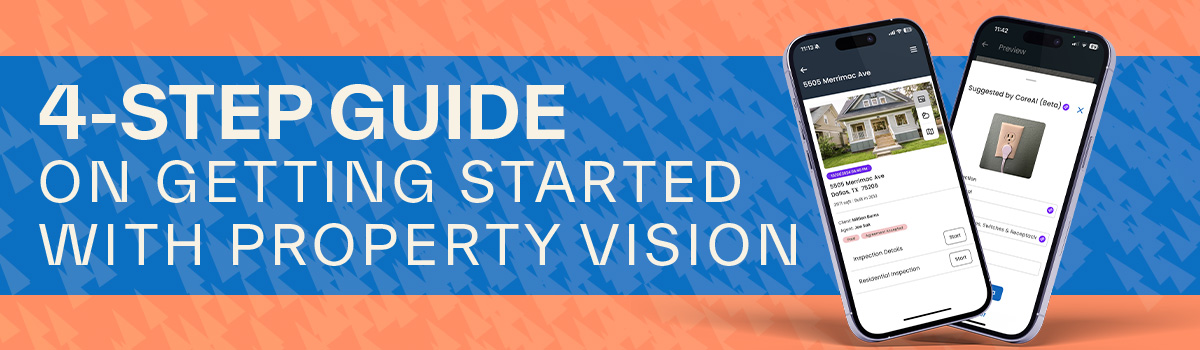
Switching to new software usually sounds about as fun as doing taxes. But what if you could completely set up your inspection software, test out cutting-edge AI features, and publish your first reports in four quick steps?
Here is your step-by-step checklist to get up and running without the headache.
Step 1: The Quick Launch (15 minutes)
The goal for your first task is simply getting the keys to the castle and setting yourself up for success. No heavy lifting required.
- Create your account & download the app: Get Property Vision on both your desktop and your mobile device. Log in to both to make sure everything automatically syncs seamlessly.
- Book your quick setup call: If you want a little extra help getting started, schedule a quick onboarding call with our team, and we’ll help you customize the basics so you hit the ground running.
Step 2: Build Your Foundation (30 minutes)
Now that you're in, it’s time to bring in your existing workflow. Property Vision adapts to how you already work. You can complete this step on your own or during the set up call with our team.
- Import your templates: Don't start from scratch. Easily bring your go-to templates into the system (we have quick video tutorials to guide you).
- Connect your ISN account: If you use the Inspection Support Network, you can link it to Property Vision in just a few clicks.
- Set up your services & agreements: Outline what you offer and plug in your standard agreements, so they are ready to send to clients automatically.
- Run a test project: Create a test report and make yourself the client. This lets you see exactly what your clients and agents will experience later on.
Step 3: Play with the CoreAI (45 minutes)
This is the fun part. Before you use Property Vision on a live job, take it for a spin around your house to test out the built-in AI tools.
- Try Voice Navigation: Walk around the house and speak naturally. Tell the app to "create a defect for damaged shingles in the roof section" and watch it work.
- Test Image Analytics: Snap a quick photo of an electrical outlet, a control panel, or a water heater, and see how the system automatically recognizes and categorizes them.
- Use the Data-Plate Reader: Take a picture of an appliance's data plate. The AI will instantly read and extract the model, serial number, and age for you.
- Publish your first practice report: Mark your test report as paid, hit publish, and check your inbox. You'll get to see the exact, polished email and report your clients and real estate agents will receive.
Step 4: Go Live & Scale
Now, it’s time to bring Property Vision into the field.
- Import your contacts: Bring over your client and agent lists so they are ready to go.
- Complete your first two live inspections: Use the app on-site, let the AI speed up your data entry, and publish your reports seamlessly.
The Verdict? You won't just be "set up"—you’ll be faster, more efficient, and delivering a modern experience that clients and agents love.
Ready to see how easy it is for yourself? Sign up today and use it free through November 1, 2026!