Before you start:
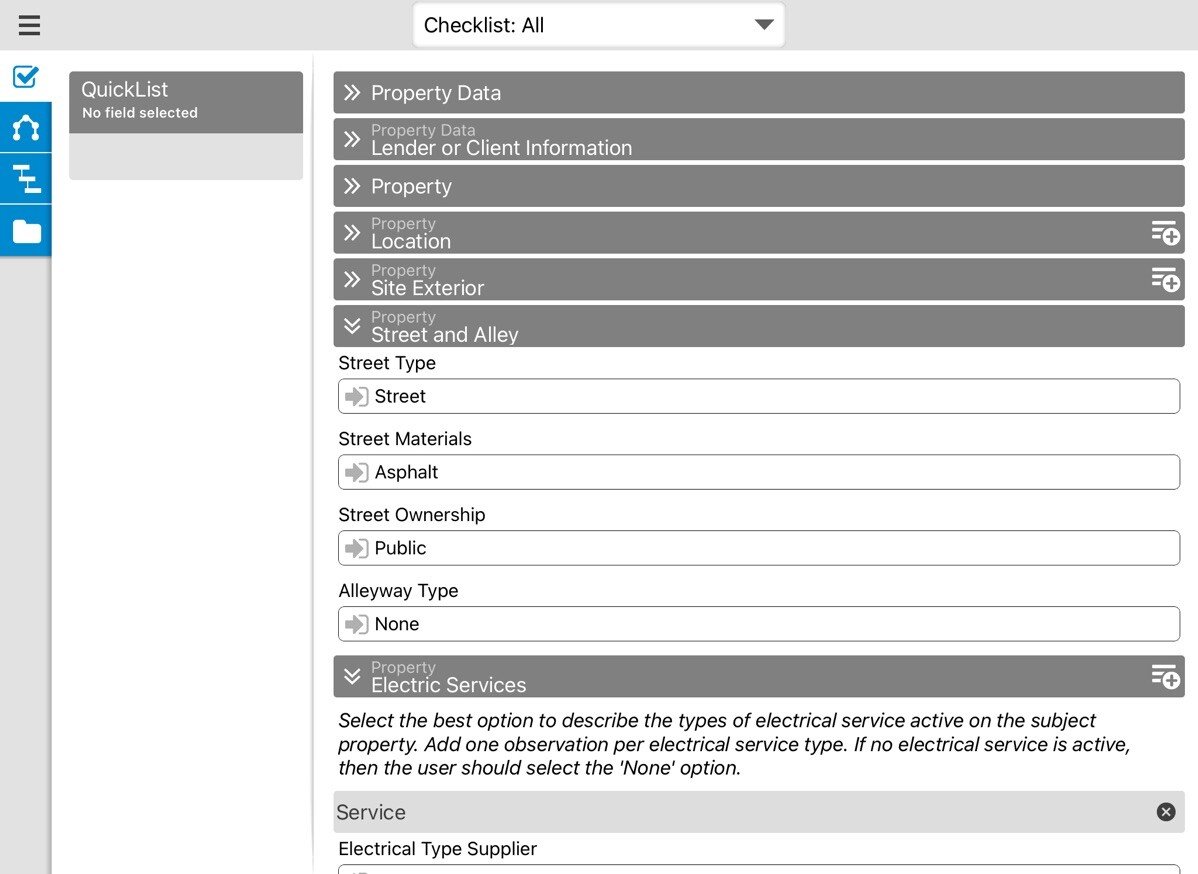
Click here to download the .zip file with everything you'll need to follow along. We also recommend using a computer with multiple monitors if you have it.
What to expect:
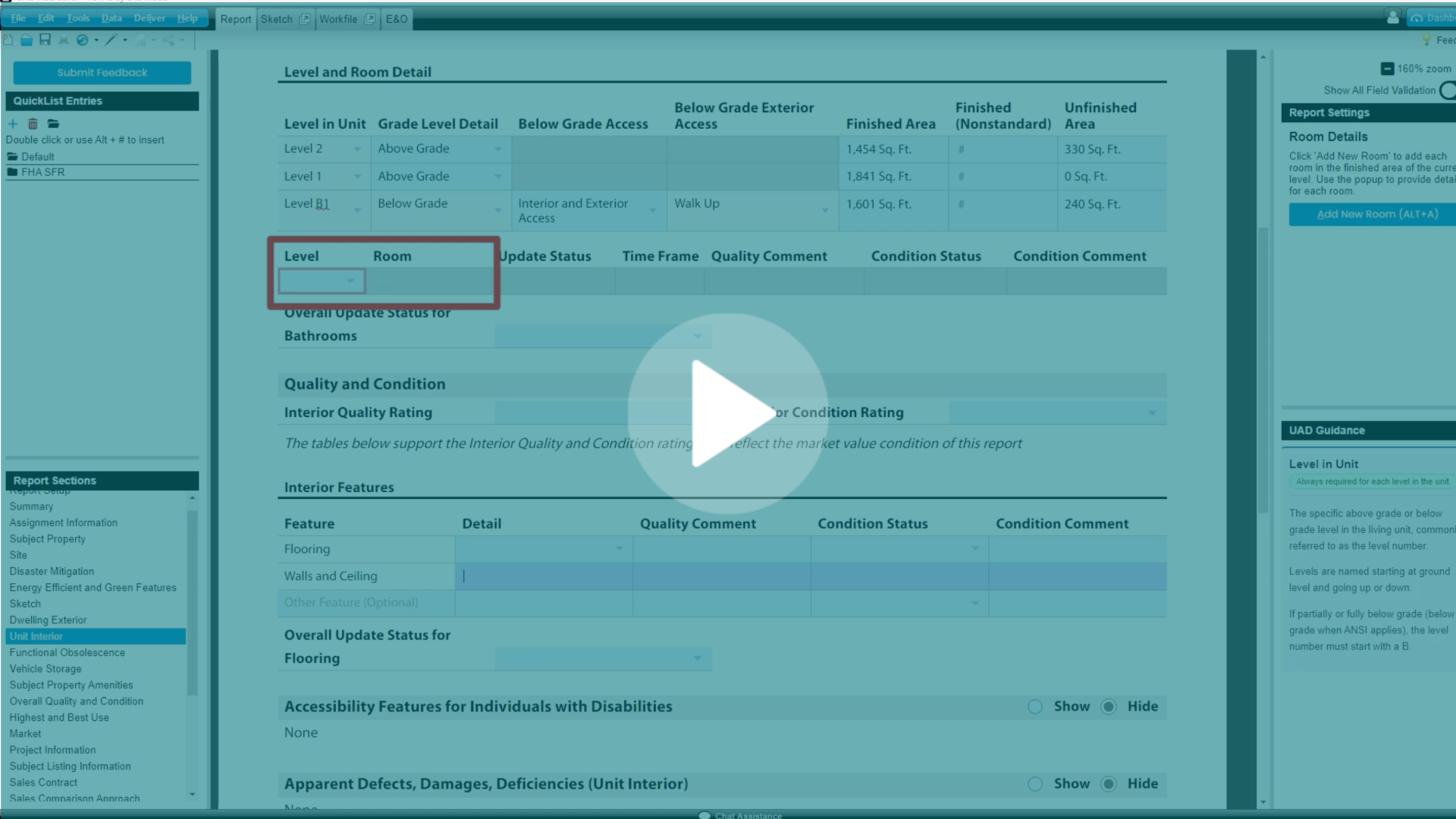
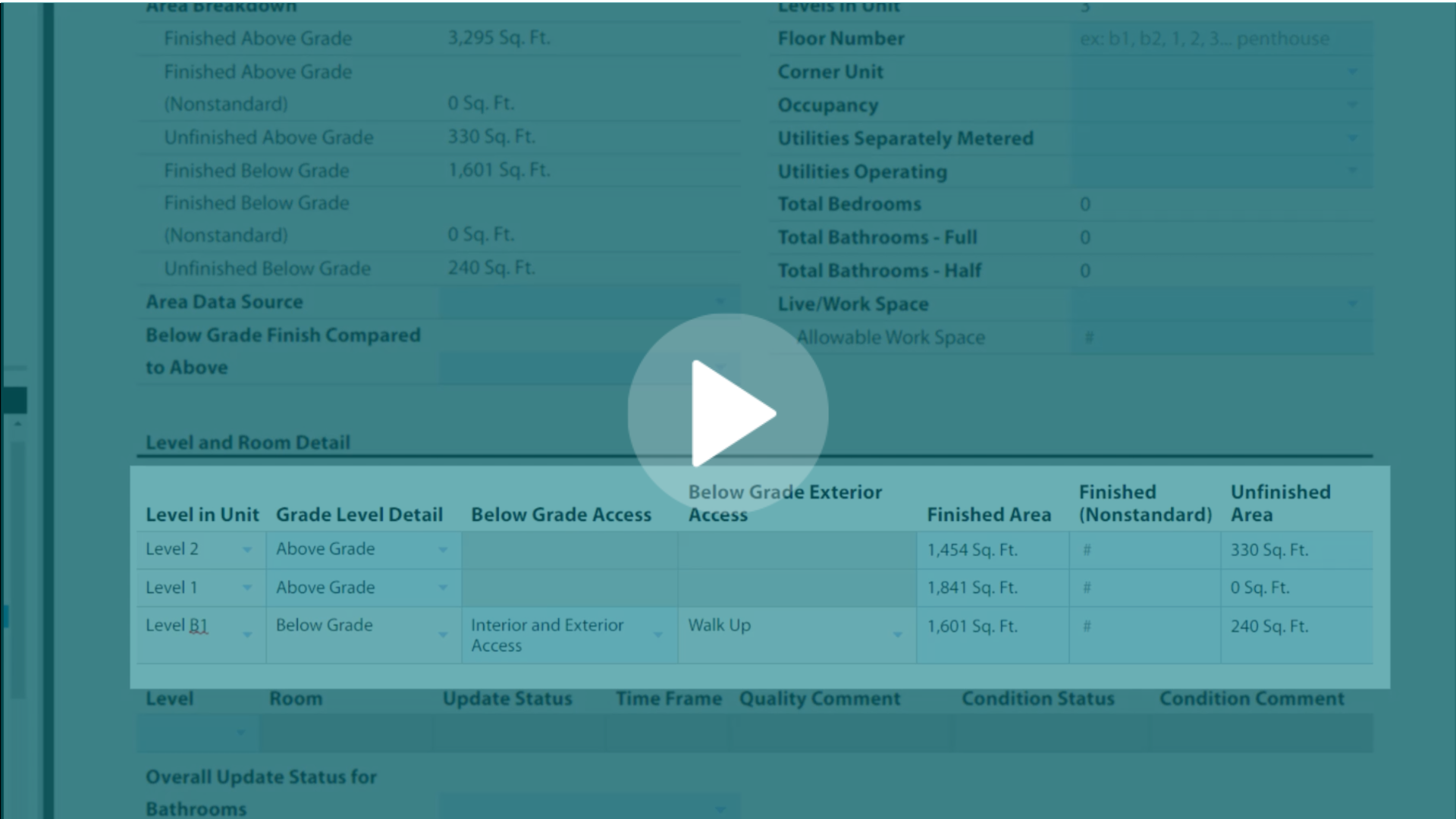
This 6 hour seminar walks you through the process of completing a UAD 3.6 report. From Report Setup to Sketch to Maps, learn how this dynamic report is similar and different from previous versions.
Although the basic material of this training doesn't change substantially from session to session, it may vary slightly to reflect changes and imrovements in the software. The video you see on this page will always reflect our most recently available recording.
Did you know...
Go beyond passive viewing and use this primer as a resource! You can use the Transcript tool to look for whatever part of the report you're working on to see what Joel said about it during the session.
Here's how:

1. Start by clicking this icon that looks like a paper with a maginifying glass.
2. Type what you're looking for and click the timestamp to jump to that part of the video. Read the exerpt for a preview of the context in which the term was mentioned.
.gif?width=1732&height=892&name=Convert%20to%20GIF%20project%20-%20October%2008%2c%202026%20at%2013.47.18%20(3).gif)
When is the next session?
Stay in the know by bookmarking this training page.
Have more questions?
Get live answers at our daily UAD 3.6 Office Hours (Monday-Friday, 11AM-1PM CT).
.png)
-1.png)

.png)


.png)


.png)
-1.png)
.png)
.png)
.png)
.png)
.jpg)
.png)
-1.png)