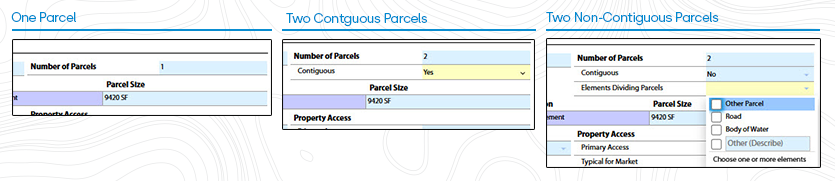
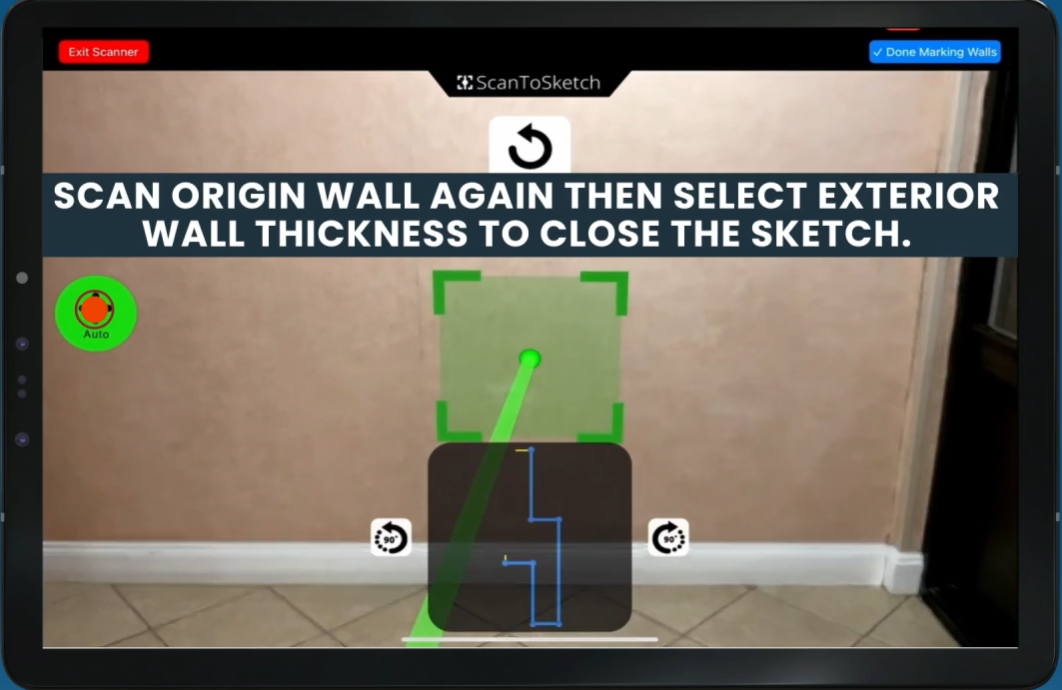
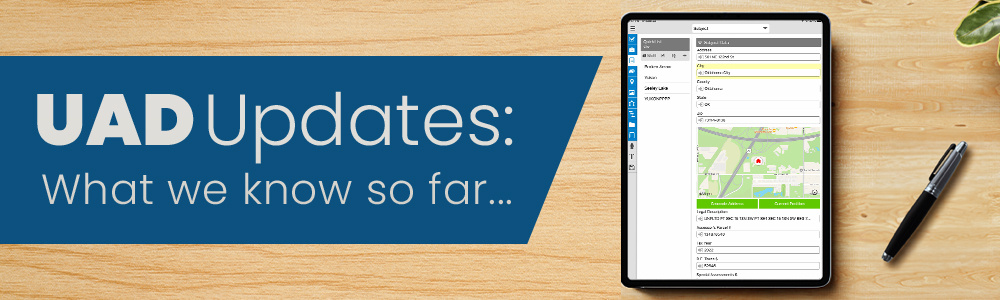
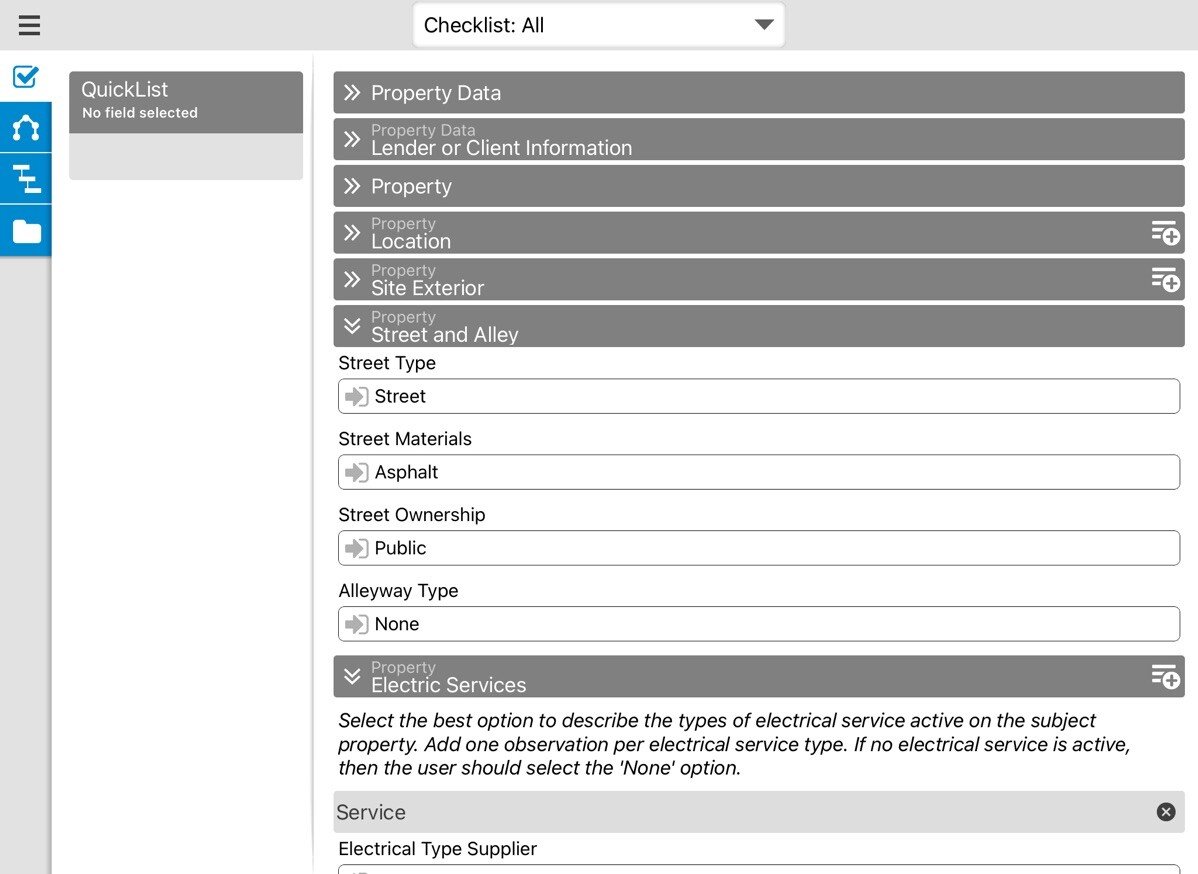
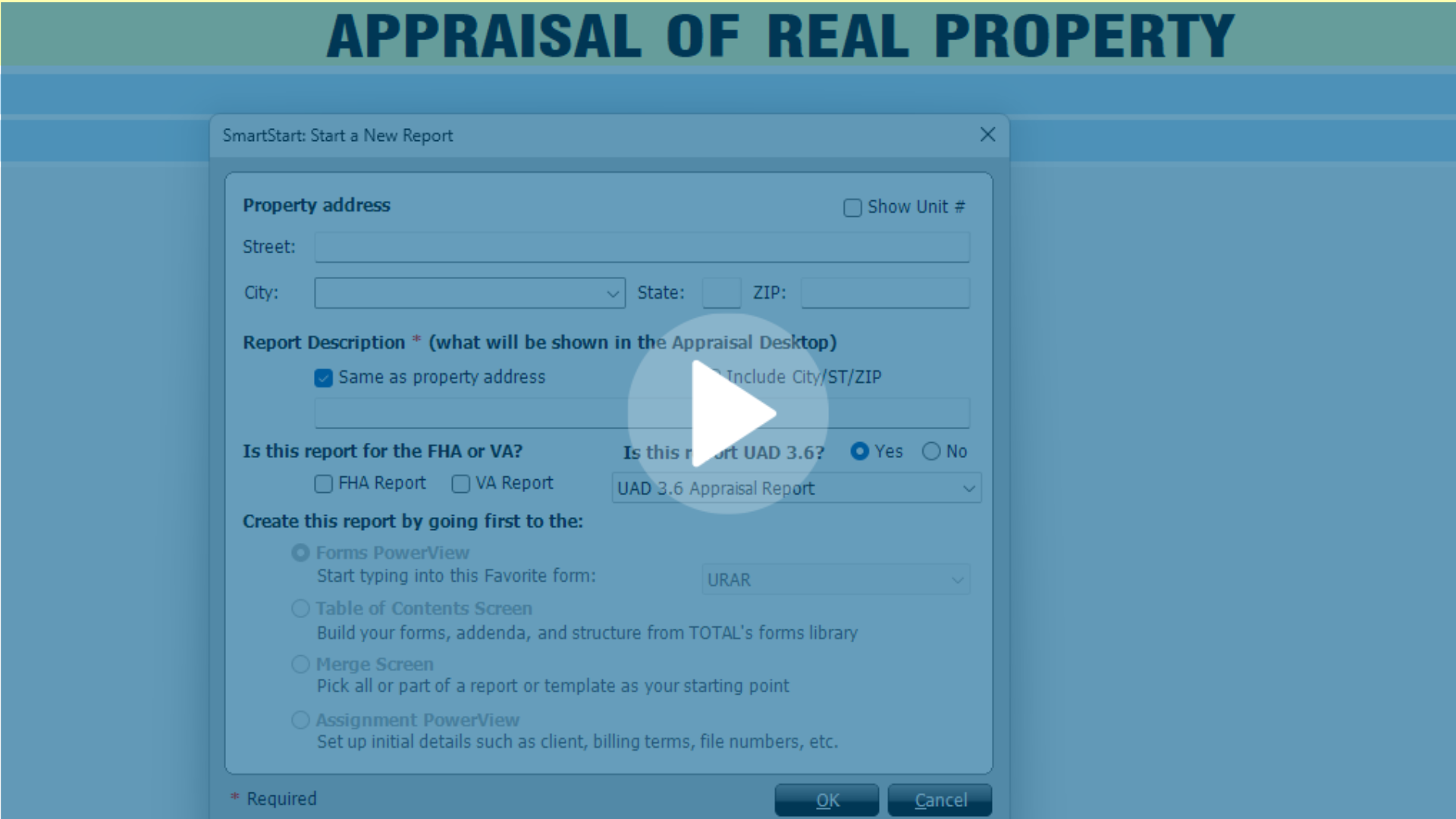
After years of developing, testing, and refining our software to meet the newest UAD standards, we are proud to announce that users can now start taking UAD 3.6 orders! If you have already explored our Learning Edition of TOTAL, it's going to look and feel very familiar. Here are some other changes you can expect in this update:
- Improved the sync process between TOTAL and TOTAL For Mobile
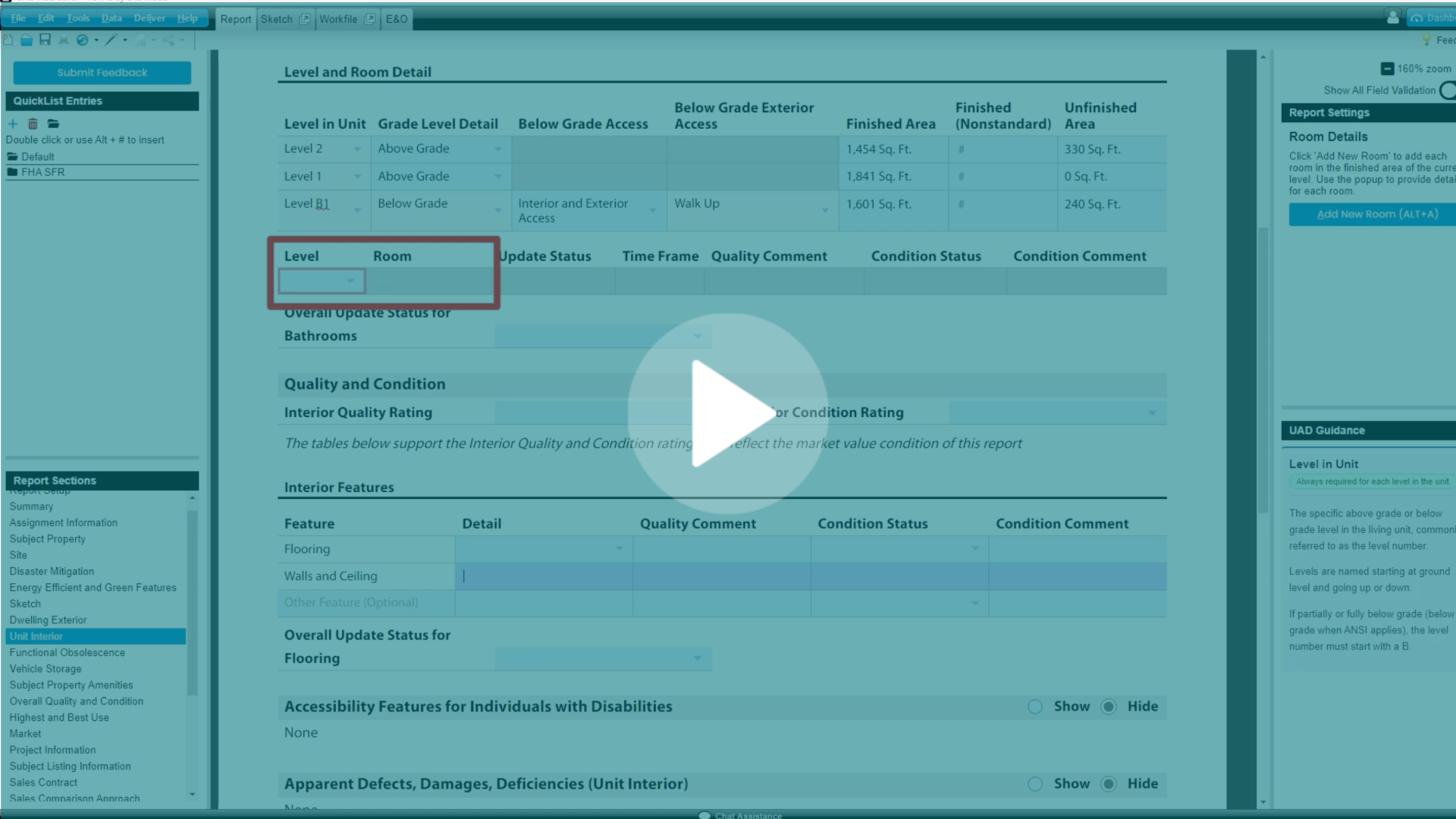
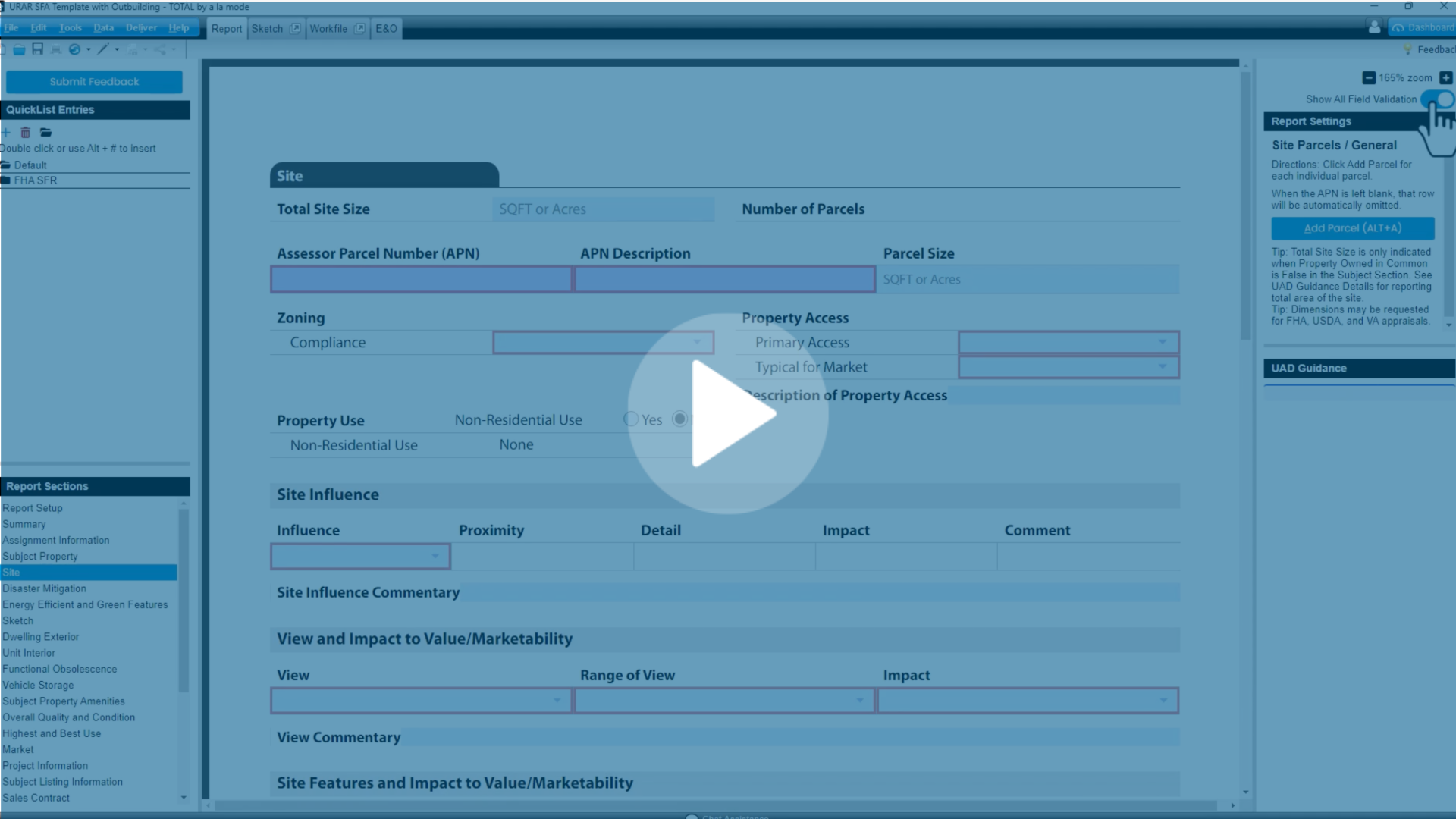
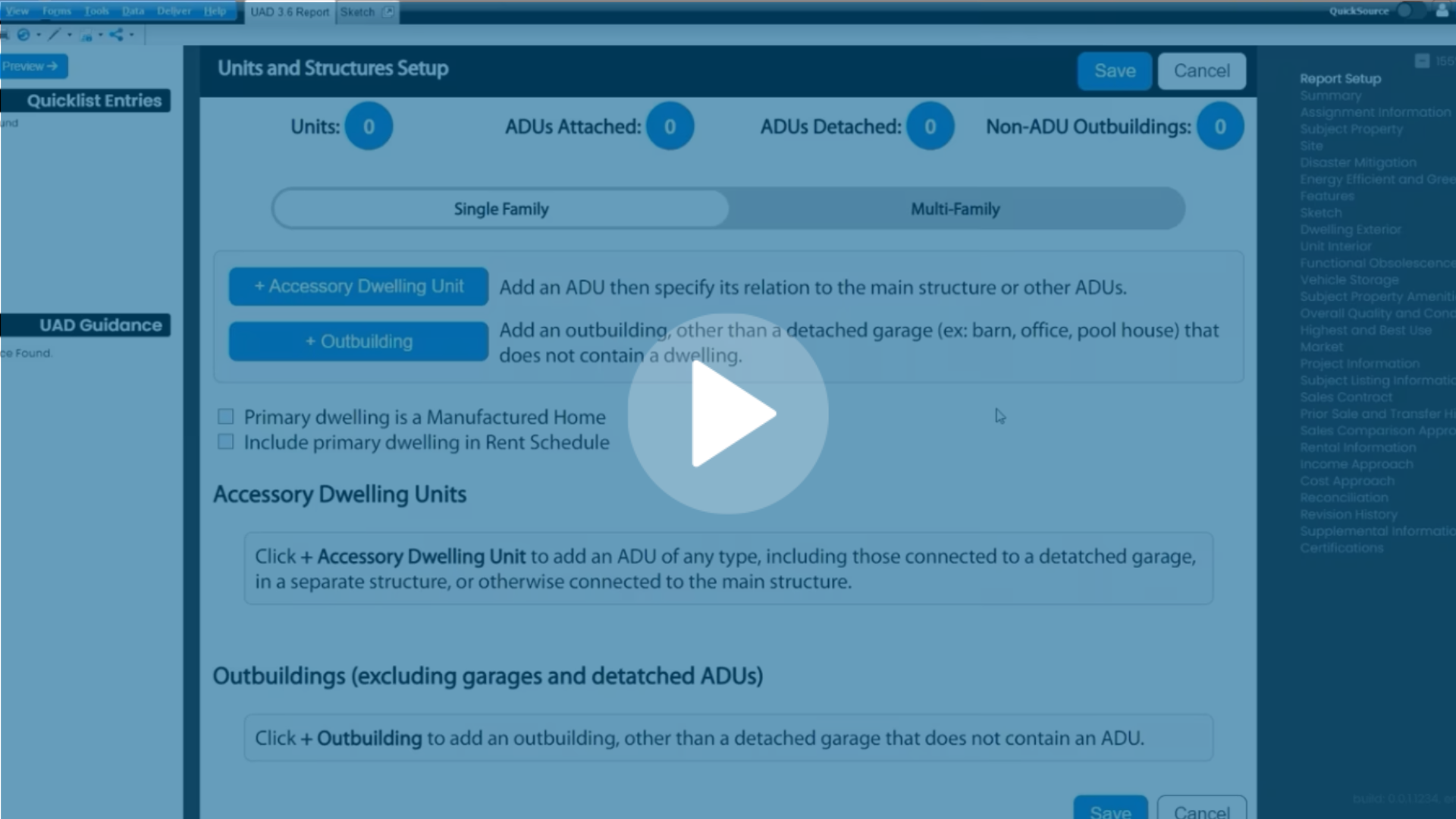
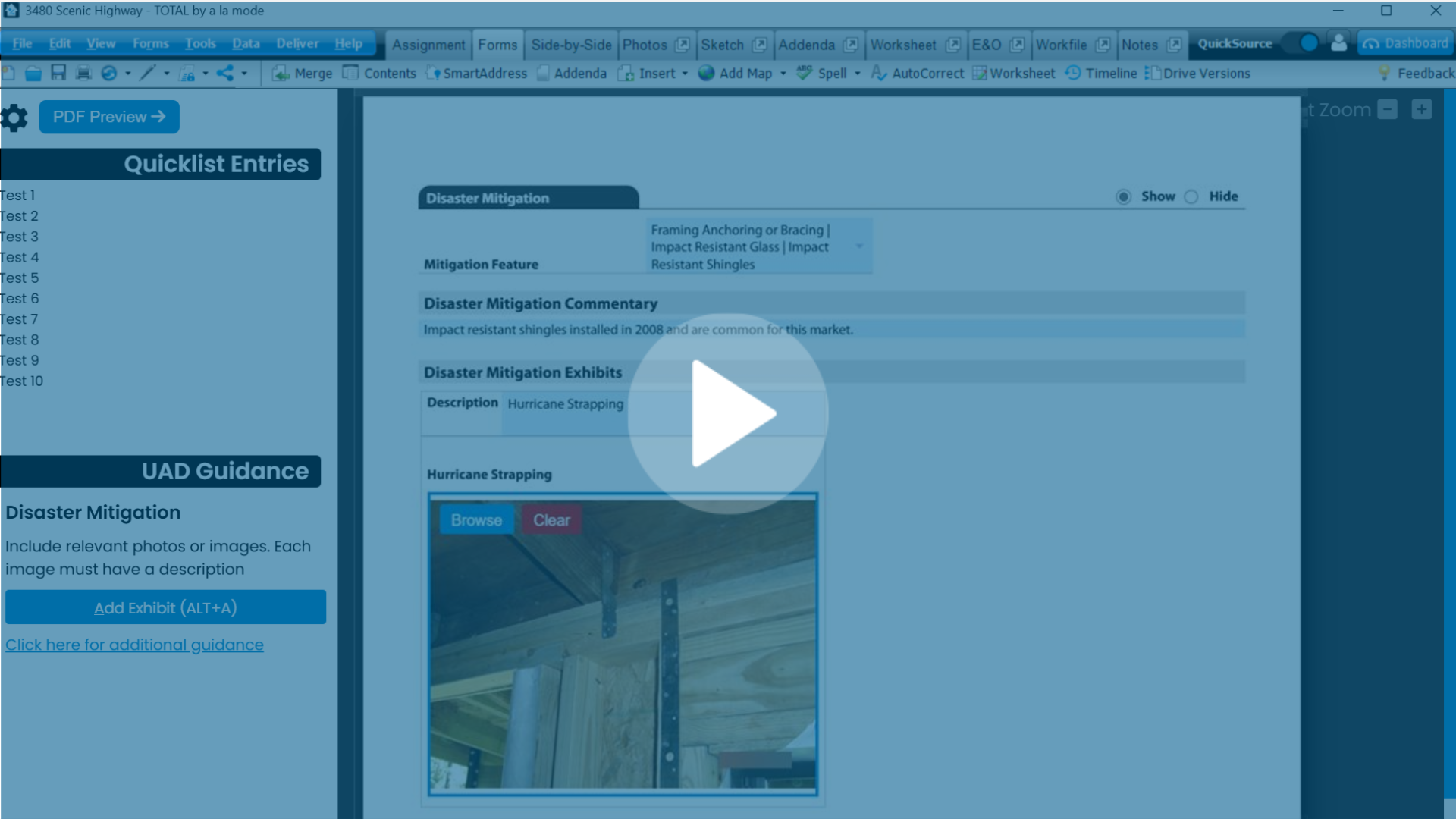
- Columns now appear to the left and right of the UAD 3.6 report, including Report Navigation, UAD Guidance and E&O and UAD guidance. Users can also horizontally and vertically adjust the columns to best suit their individual setups.
- Users can now run E&O for the UAD 3.6 report by clicking on the E&O PowerView
- Users can click the E&O error to be taken to the corresponding section/field in the report
- TOTAL will now automatically run E&O for the UAD 3.6 report when attempting to sign, and inform users if any errors are detected.
- Improved image optimization to ensure exhibit photos are not pixelated.
- Real-Time Validation is now available for the following sections: Assignment, Subject, Site, Dwelling Exterior, Unit Interior, Outbuilding, Manufactured Home, Highest and Best Use, Subject Listing Info, Disaster Mitigation, Overall Quality and Condition, Vehicle Storage, Subject Property Amenities, Energy Efficiency, Functional Obsolesence, and Certifications
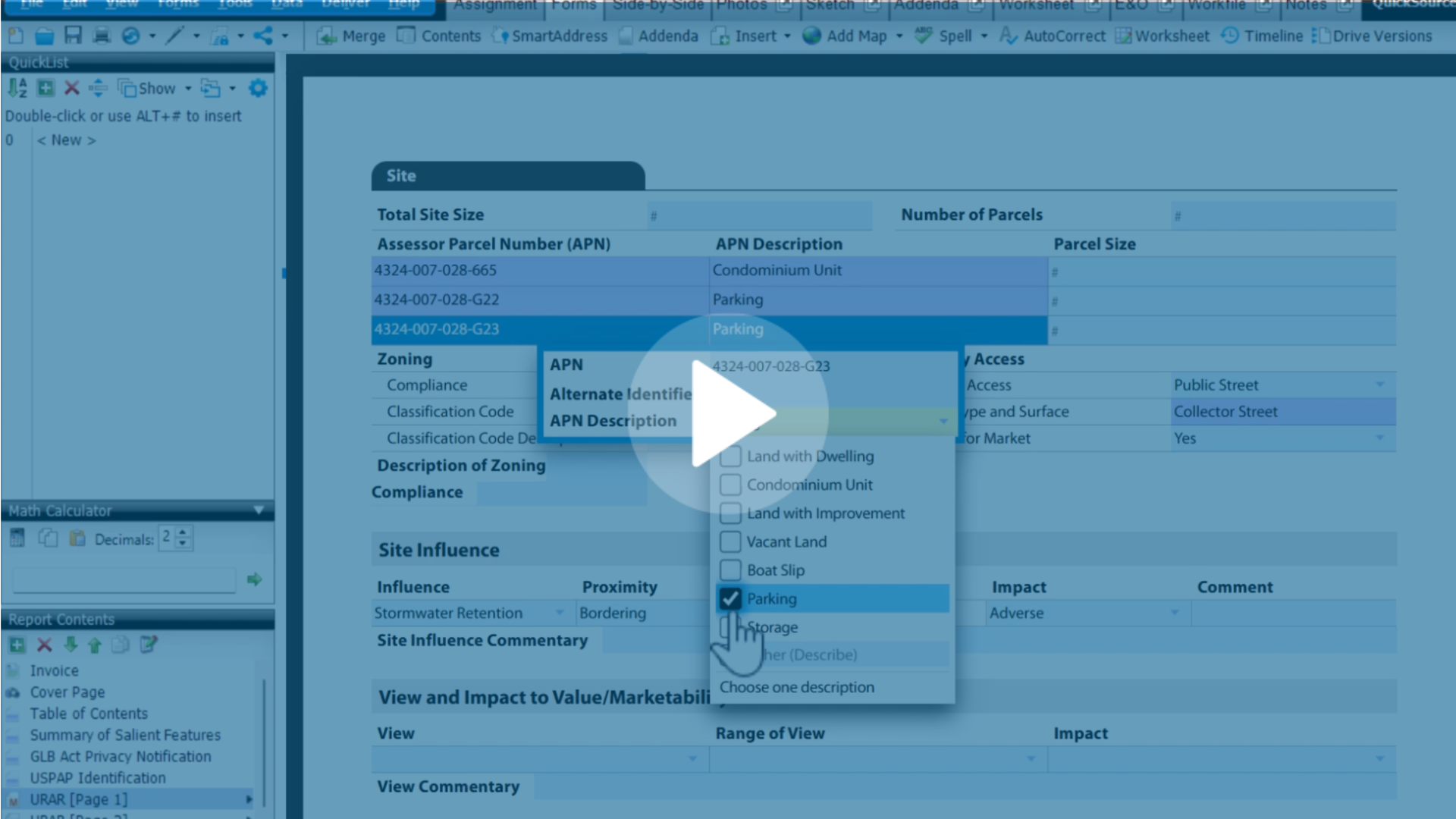
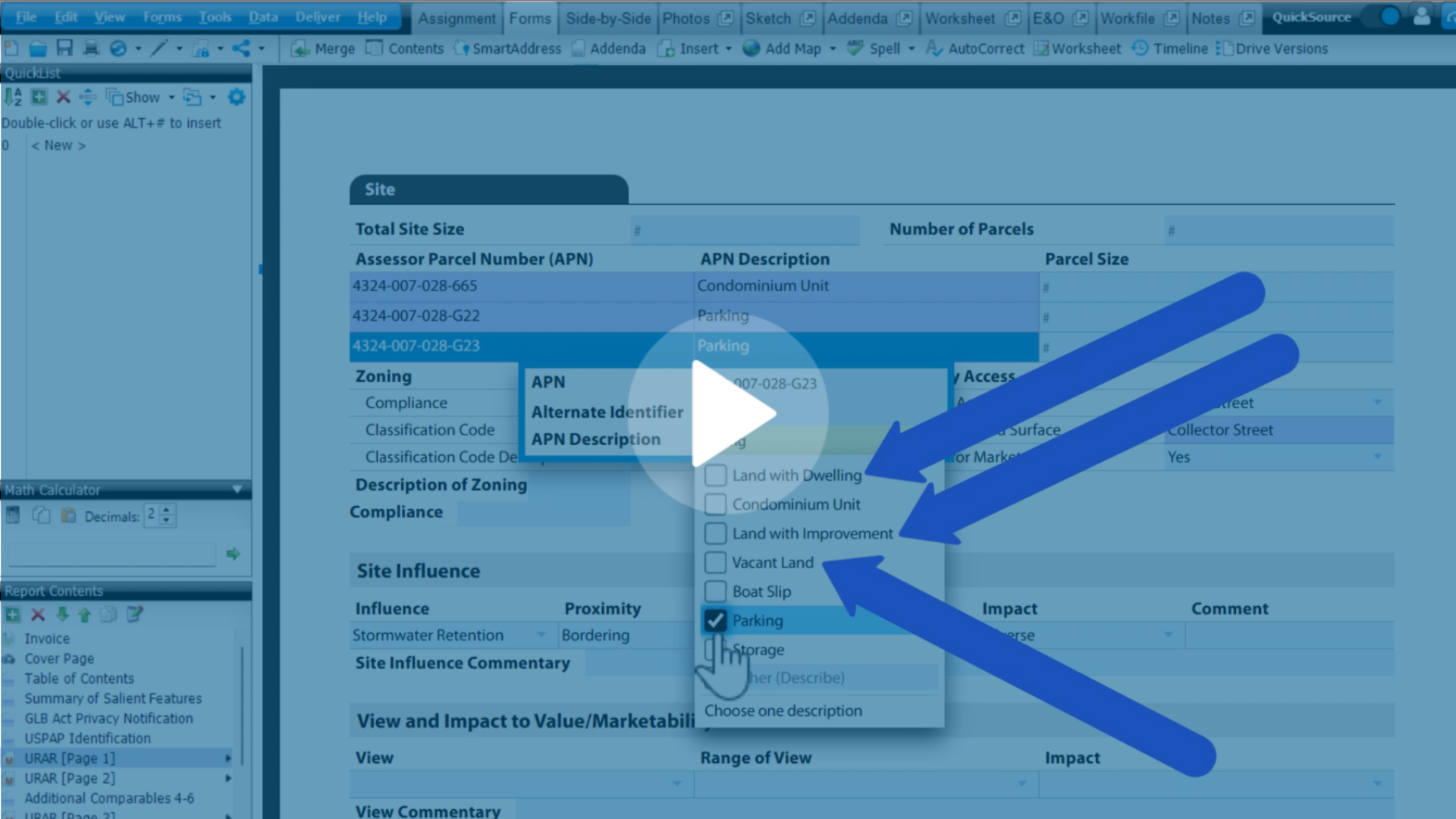
- Users can now generate maps for the following sections: Site, Rental Information, Income Approach, and Cost Approach
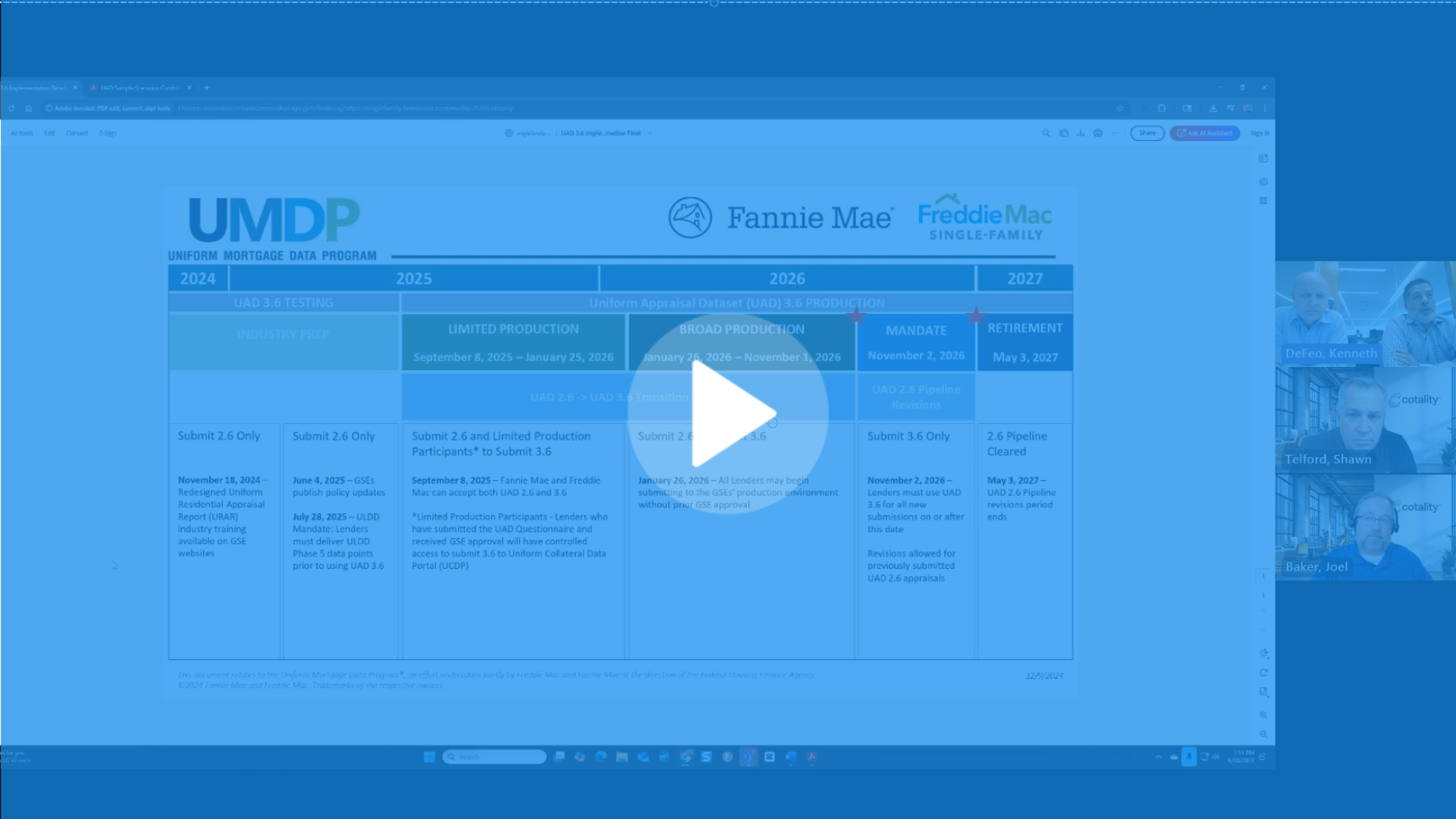
Reminder: We will continue to add features, functionality, and integrations into this new environment throughout 2026. If you don't see something you're looking for, you can utilize our UAD 3.6 timeline for more details.
Learn more
- UAD 3.6 focused training page
- Learn how to create a UAD 3.6 report in TOTAL
- Visit our UAD hub for training, videos, and more
- UAD 3.6 user guide
.png)
-1.png)

.png)

.png)


.png)
-1.png)
.png)
.png)
.png)
.png)
.jpg)
.png)
-1.png)