.png?width=1000&height=350&name=Untitled%20-%20January%2028%2c%202026%20at%2017.01.04-15%20(1).png)
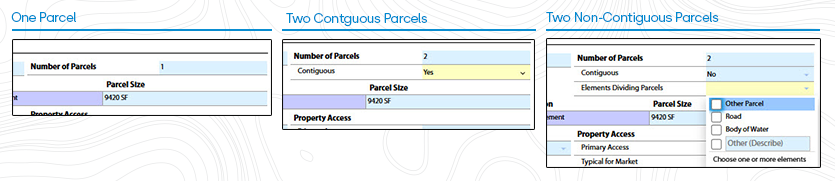
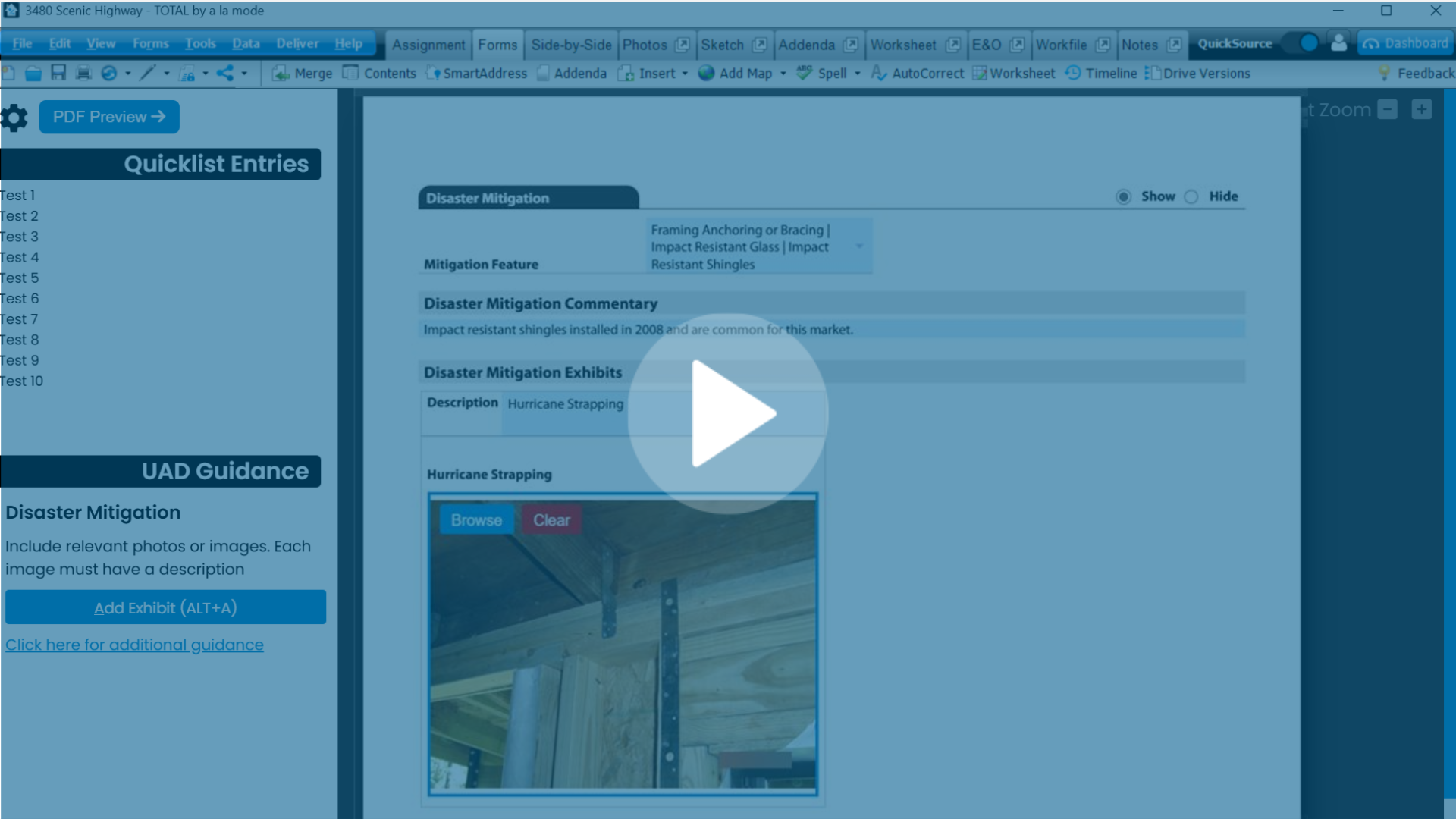
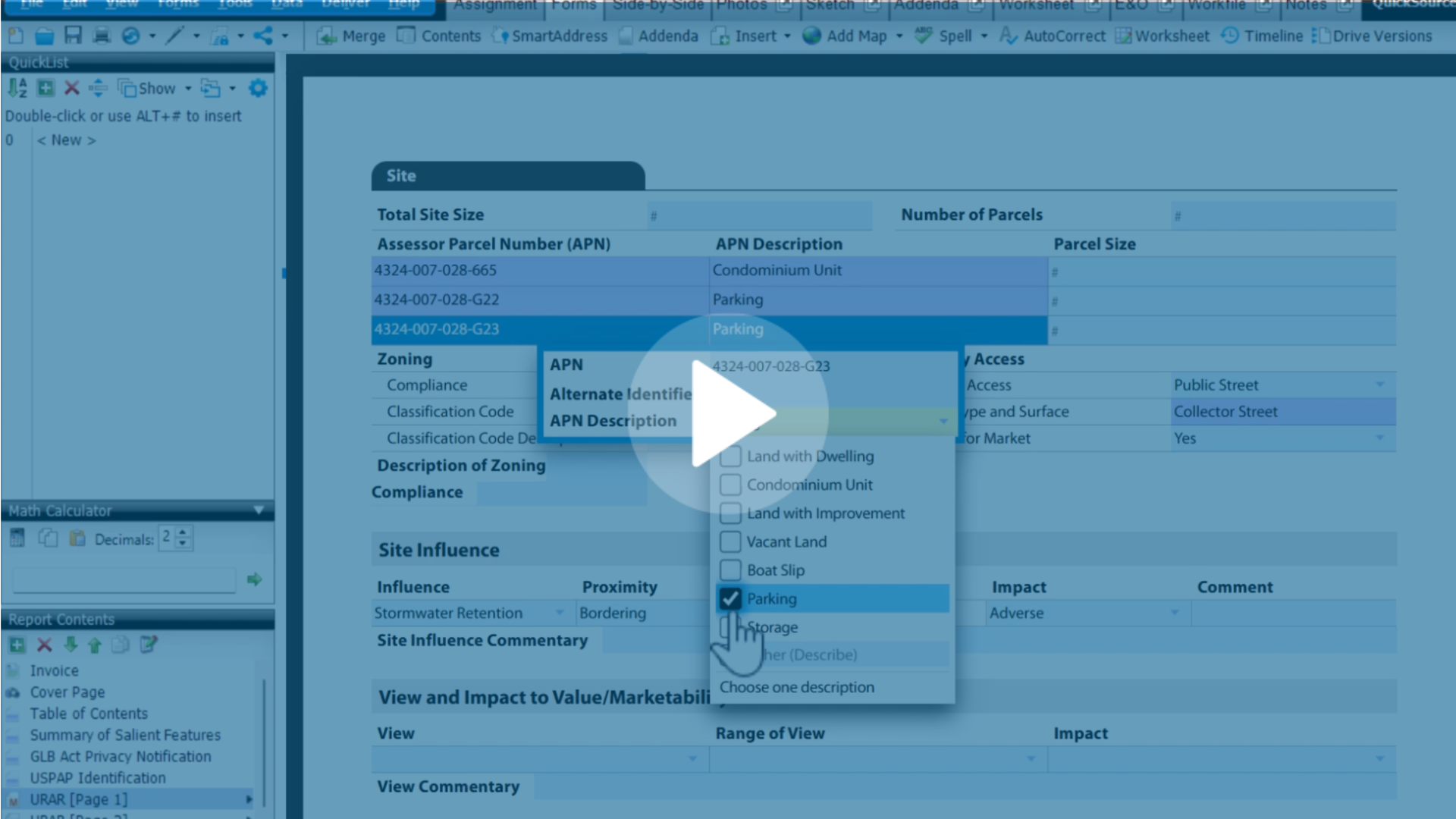
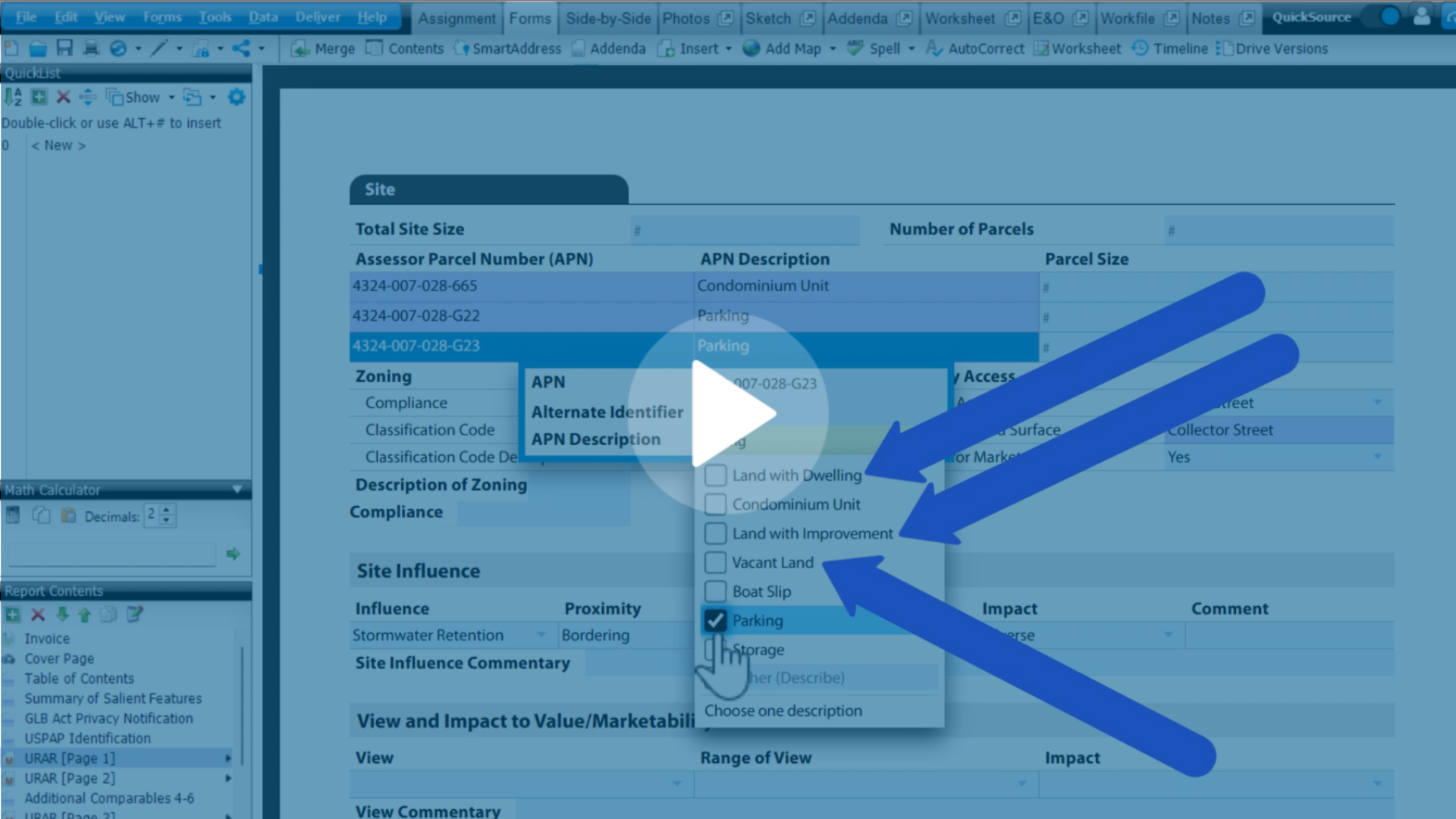
Unlike past UAD updates where appraisers could just adapt their data to a new form, UAD 3.6 is fundamentally different. Each report is dynamic, changing in appearance and layout based on the specific selections you make.
That's why in UAD 3.6, even though we are providing lots of resources, you are going to be your best teacher. Filling out sample reports, seeing first-hand how the choices you make affect it, is what will get you to true proficiency.

Step 1: Download and familiarize yourself with Appendix F-1
This Reference Guide comes directly from the GSEs and provides guidance on how to enter information and how the data will be displayed in the URAR.
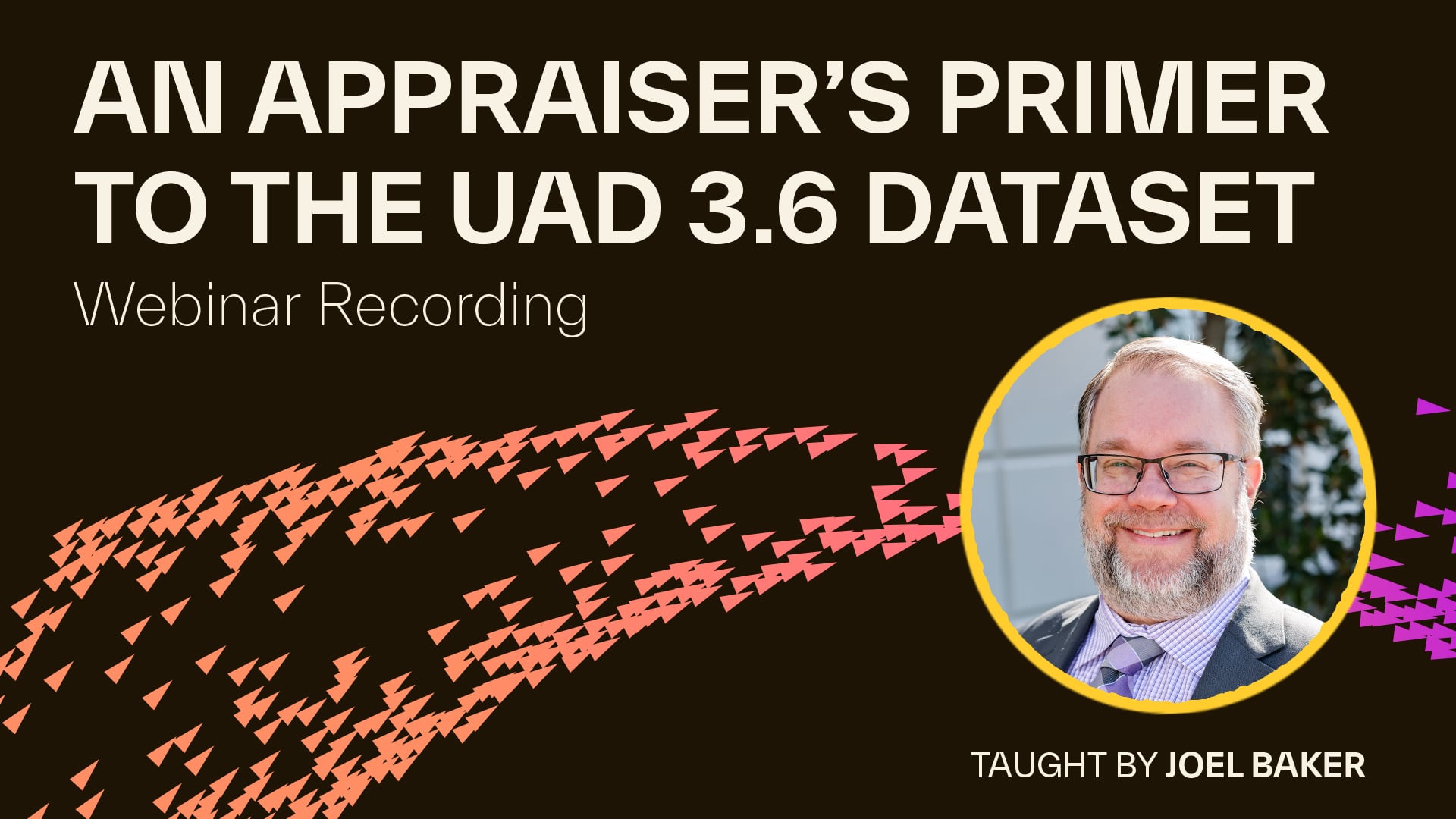
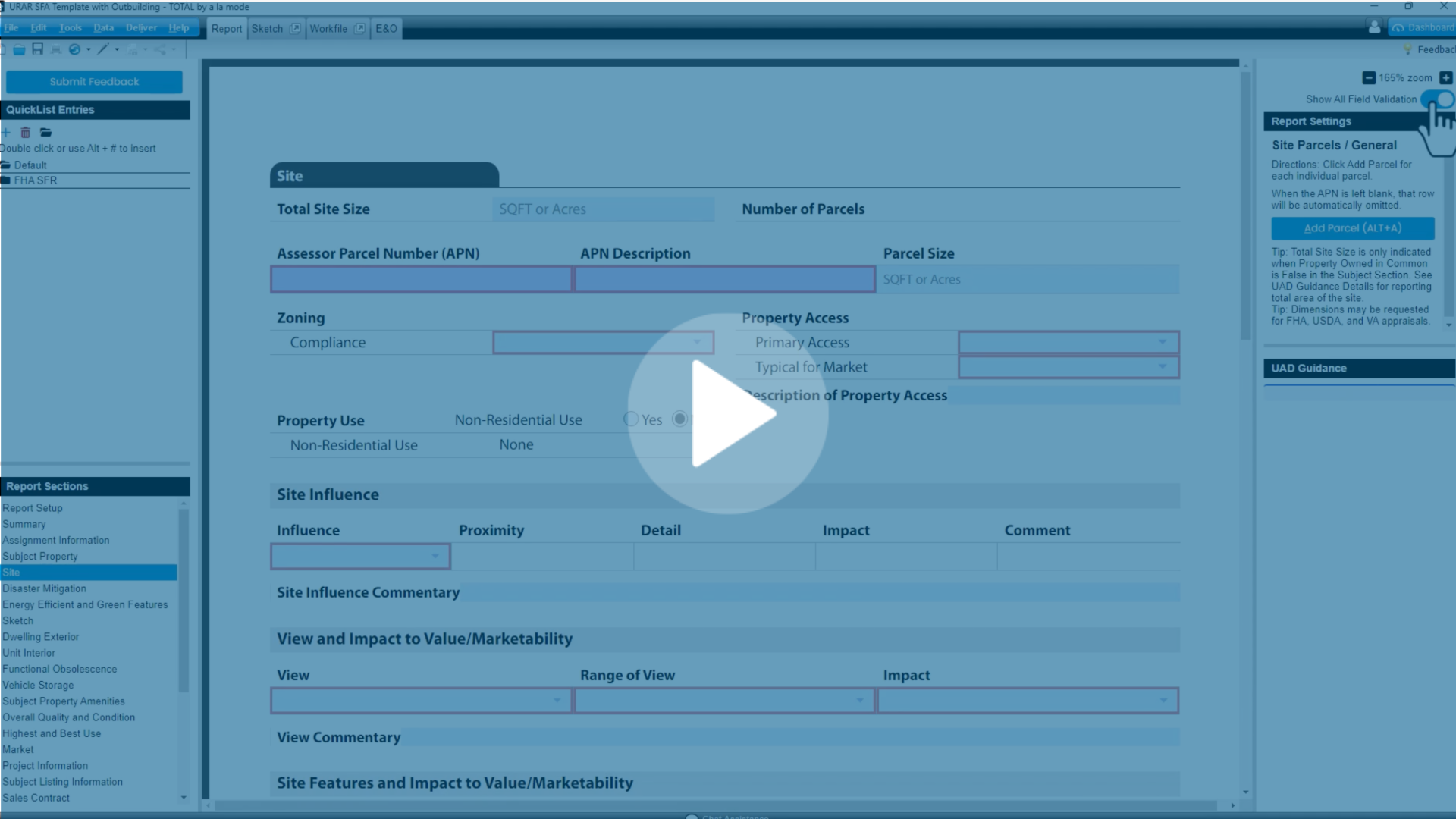
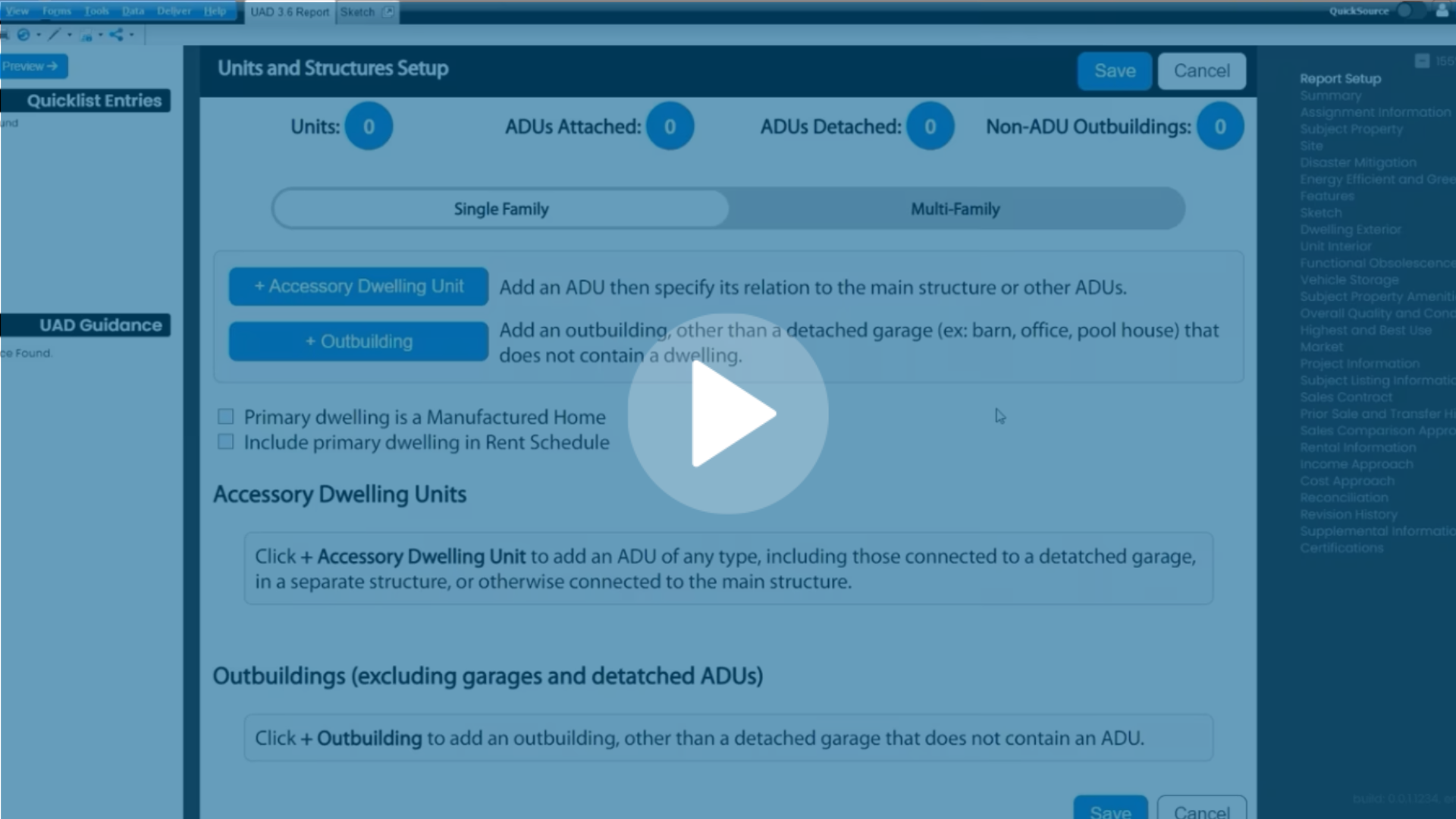
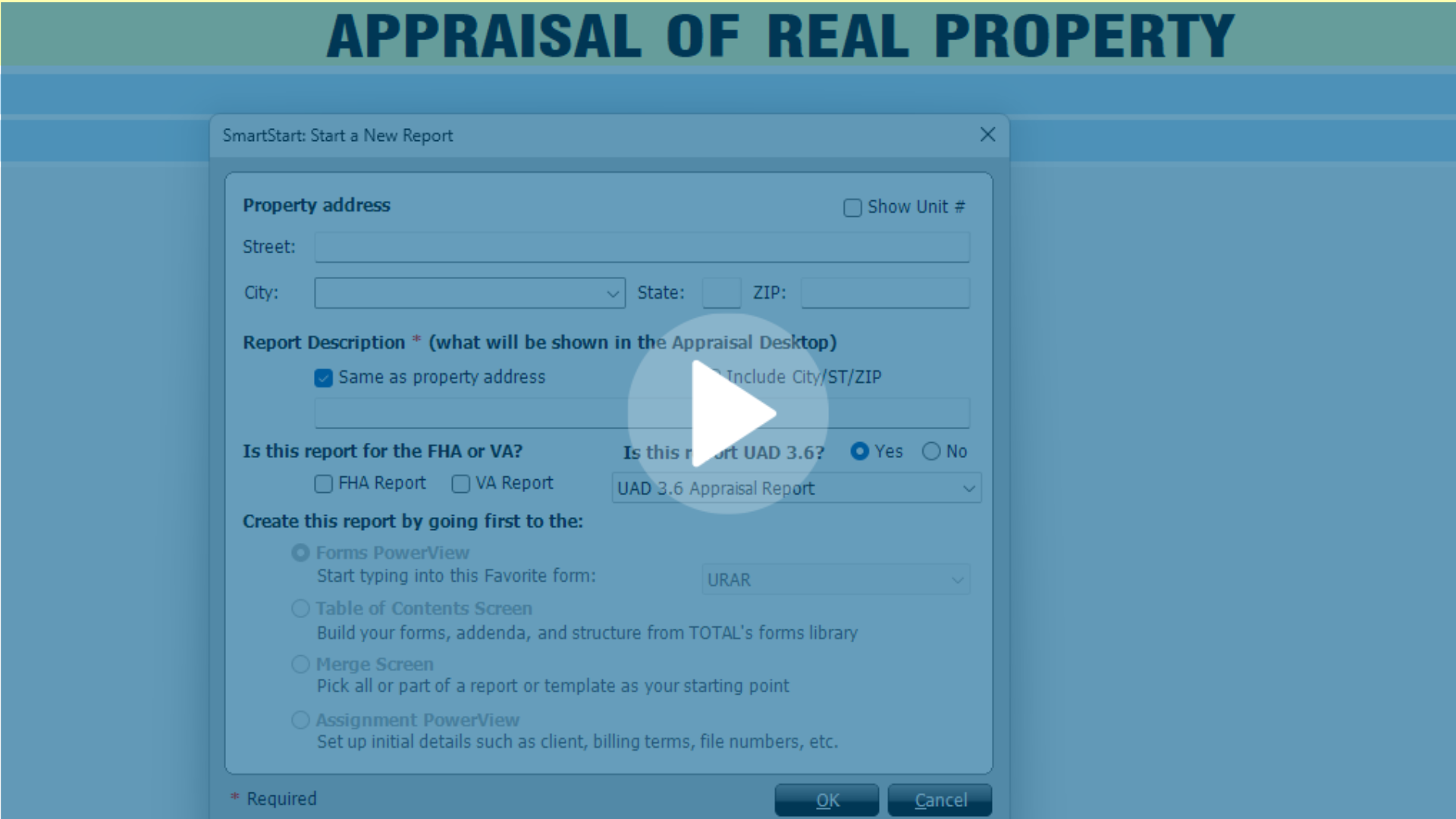
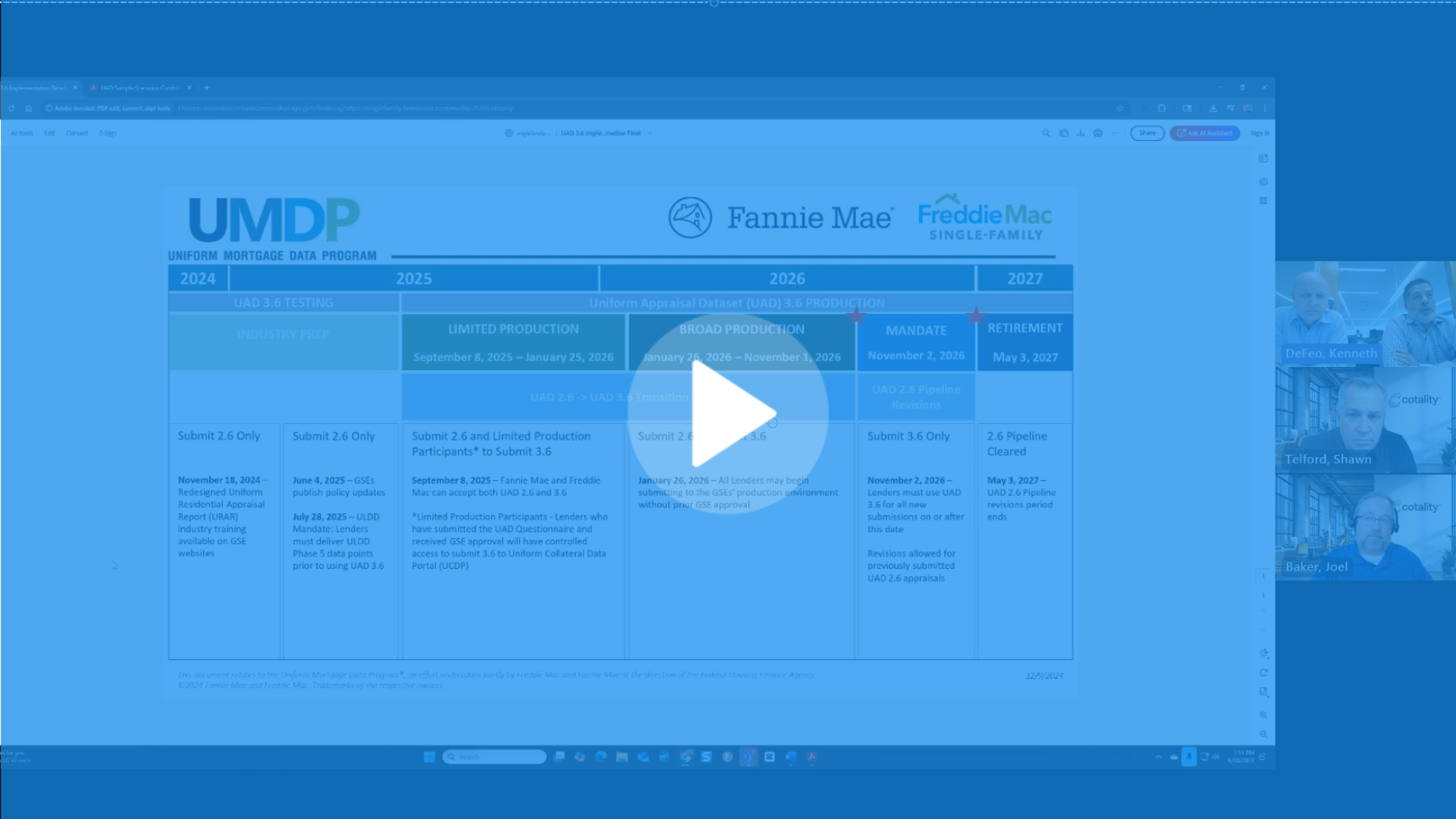
Step 2: Attend or view the webinar "An Appraiser's Primer to the UAD 3.6 Dataset" and create your own sample report alongside Joel Baker
Tip: You can use this resource for a lot more than an initial introduction to the dataset! Use the Transcript tool as you work on your reports to search for the part of the webinar that correlates to what you're working on.
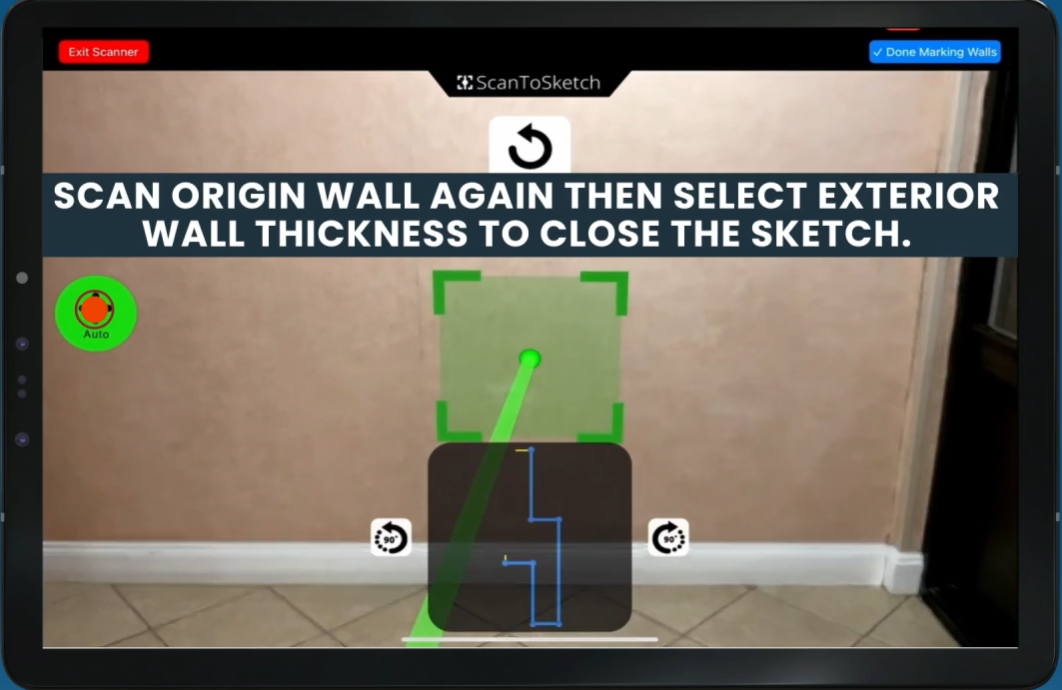
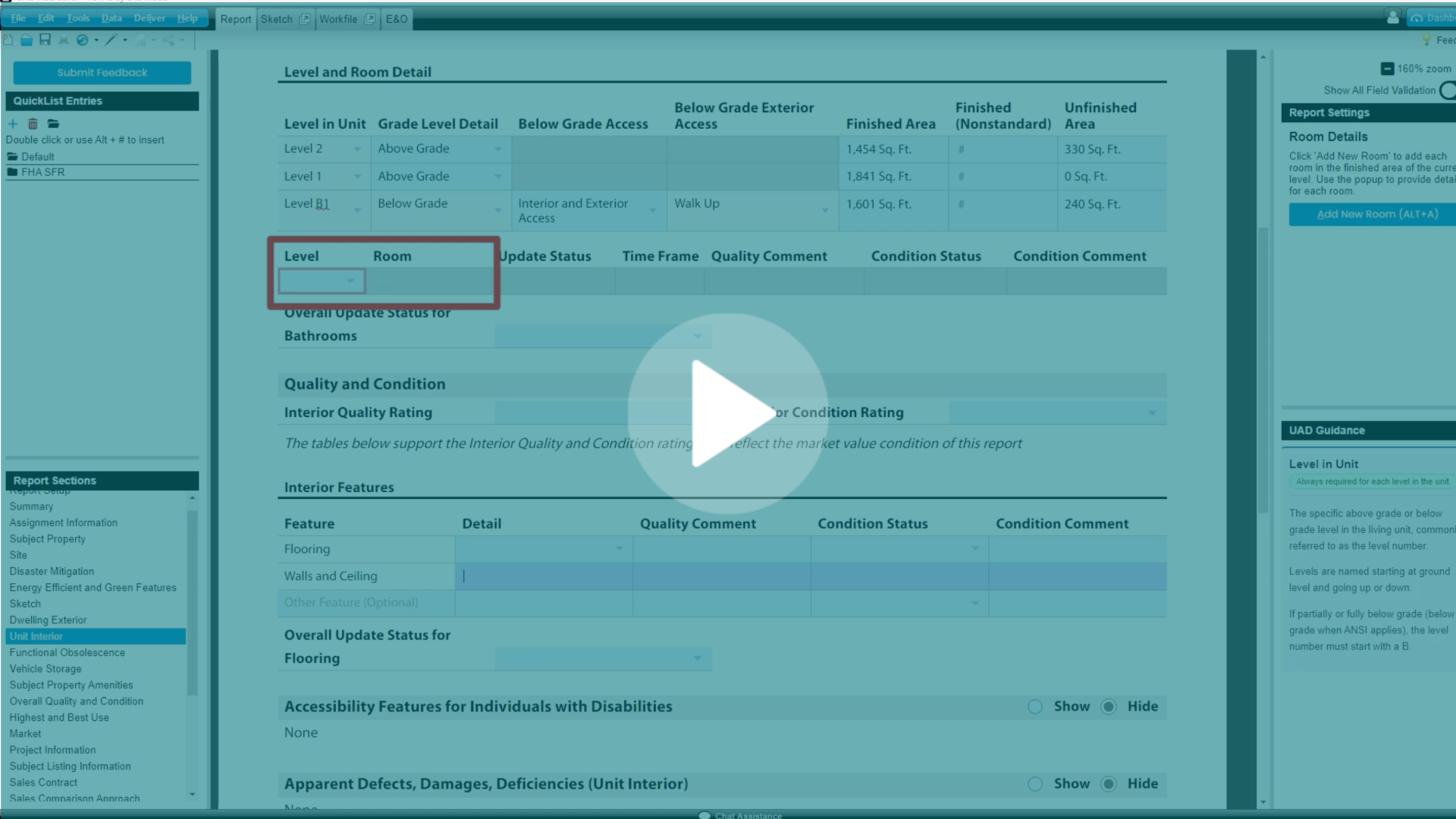
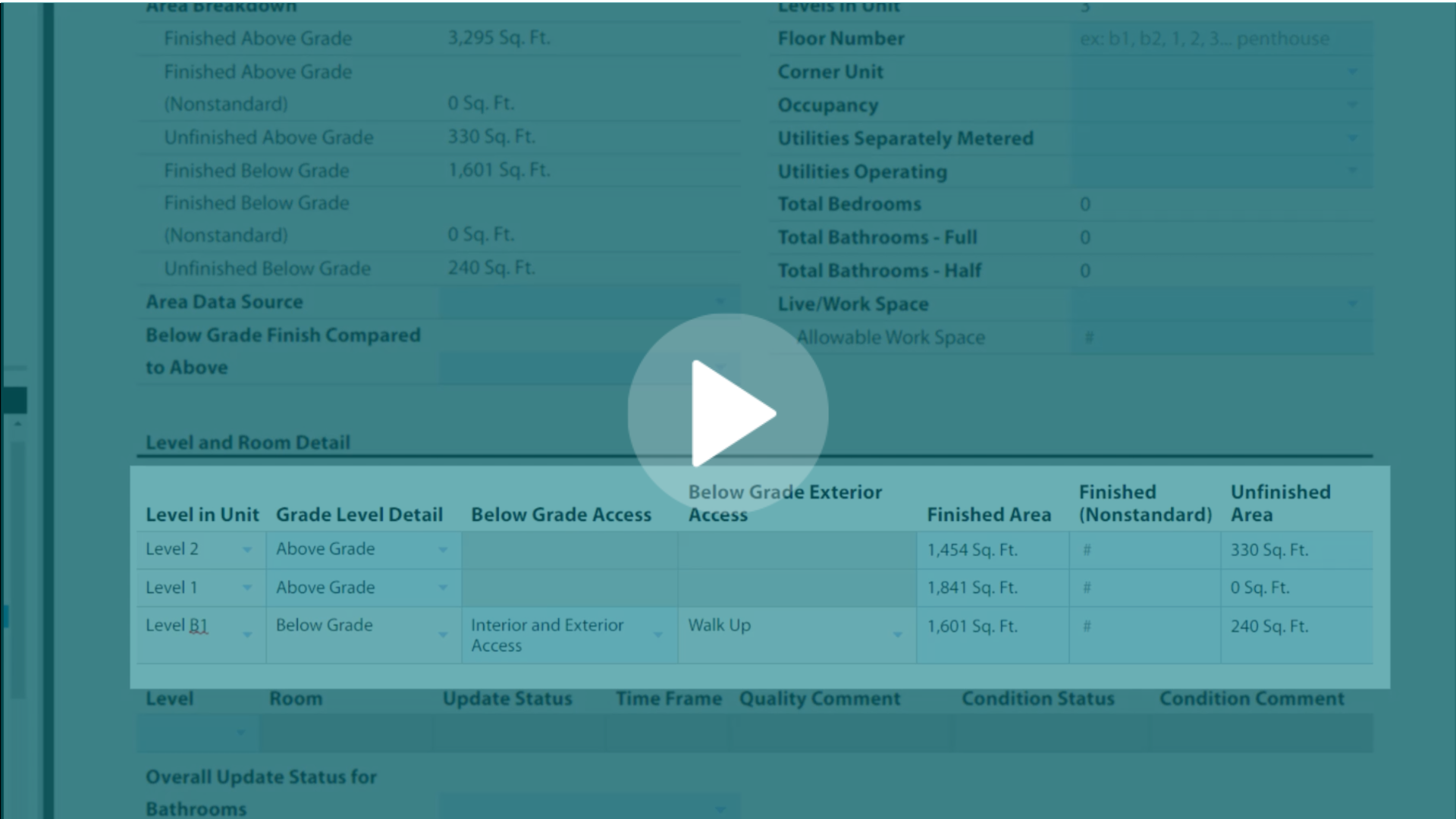
Step 3: Take the "Intermediate Mobile Sketching" class
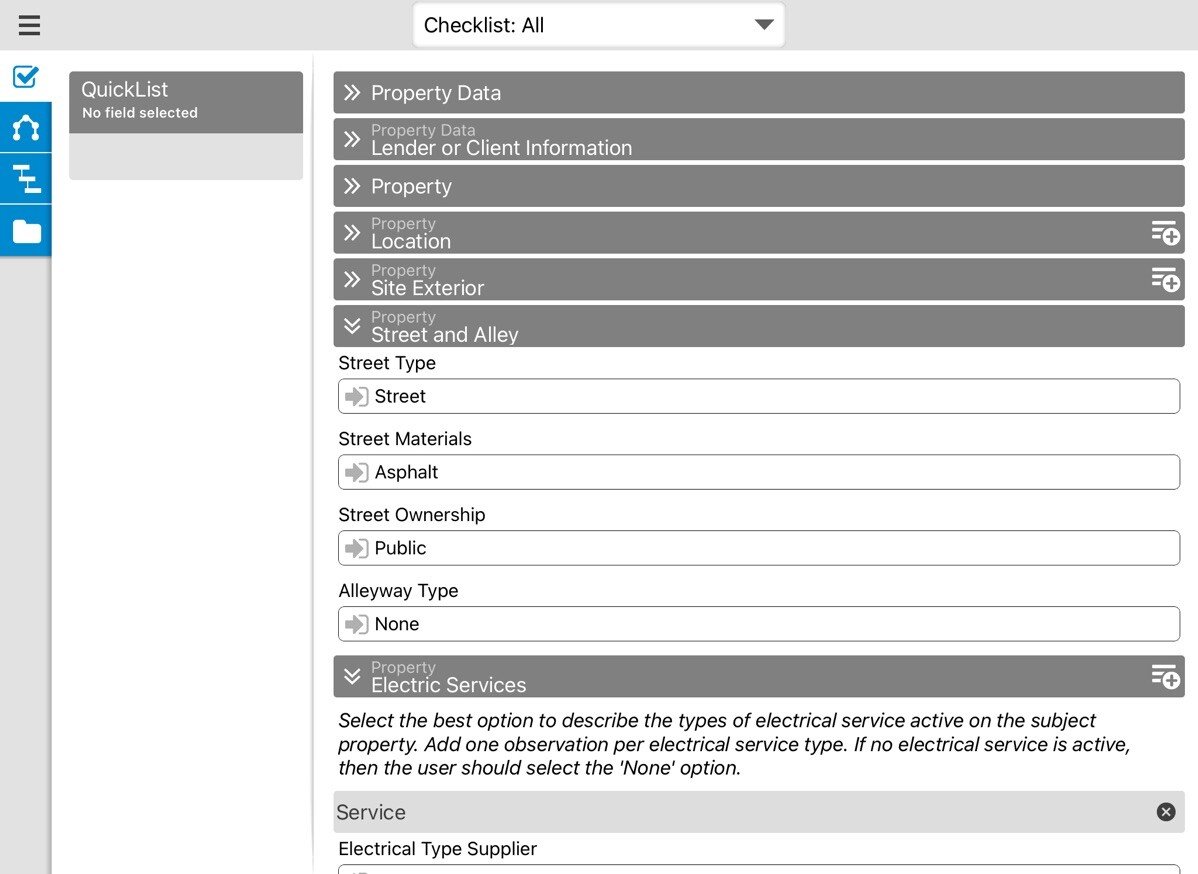
Or try using TOTAL for Mobile to sketch your own house and take all Unit Interior data.
.png?width=318&height=53&name=Untitled%20-%20July%2023%2c%202026%20at%2017.10.33%20(2).png)
- Attend as many free, daily UAD 3.6 Office Hours as you can.
Ask a question or get a chance to hear what other appraisers are asking about and maybe save yourself some time later. - Take one of the available UAD 3.6-focused CE courses.
- Utilize the “Job Aids” and “Inspection Tips” provided by the GSEs
- Create some templates in the UAD 3.6 environment in TOTAL (SFR Detached, Condo, Multi-Family)
.png?width=312&height=52&name=Untitled%20-%20July%2023%2c%202026%20at%2017.10.33%20(4).png)
After exploring these resources and experimenting with reports, you'll have acquired what you need to start taking orders. We've created this UAD 3.6 Readiness Checklist as a shorthand way to communicate to lenders and clients to show the work you've been putting in.
.png?width=312&height=52&name=Untitled%20-%20July%2023%2c%202026%20at%2017.10.33%20(3).png)
Because we anticipate a large influx of appraisers switching to the new format over the coming months, we are focusing our phone Support on non-UAD and technical calls. We know you’ll have questions, which is why we have invested so heavily in providing the resources listed above.
If you specifically have a UAD 3.6-related How-To question, you’ll want to utilize the resources listed above. If you can’t find the answer there, these are your next steps:
- Join UAD 3.6 Office Hours weekdays 11 AM to 1PM Central
- Chat Support – for specific questions that can’t wait until the next office hours
We know there’s a lot to learn! We’re committed to making sure this transition is as smooth as possible for our customers. If you have any ideas or feedback, we hope you’ll let us know.

.png)
.png)
-1.png)

.png)



.png)



.png)
-1.png)
.png)
.png)
.png)
.png)
.jpg)
.png)
-1.png)