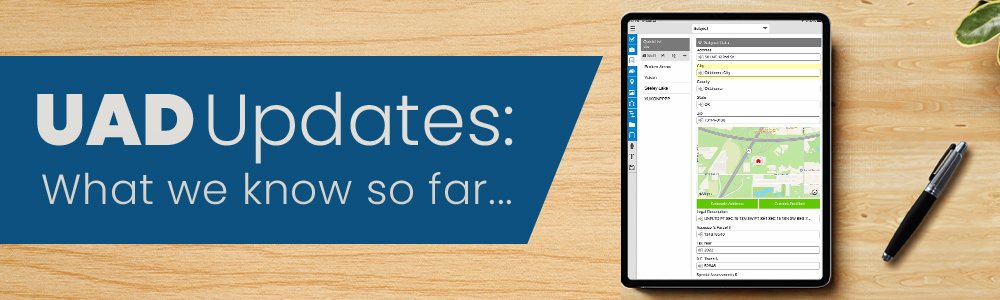
QuickSource has recently been integrated into the new UAD 3.6 environment with a refreshed interface to support the new dataset. Just like before, QuickSource lets you combine multiple streams of data, compare them in one interface and place whatever you choose into your report with the click of a button.
What's new?
- Import data from UAD 2.6 reports where applicable to the new dataset (between 30-40 fields) from SmartExchange and your own previously used comps
- The QuickSource grid now mirrors the Side by Side layout within your report, making it easier to track where you are as you fill it out
- View the Subject property information in each Comparable tab for easy reference
- Easily enable or disable report rows for quicker navigation (rows without an eye icon are required for UAD 3.6)
Important notes:
-
This version of QuickSource is considered a public Beta and is still being refined while giving customers early access to make their reporting easier.
- Be sure to double-check your data before finalizing the information and transferring into the report.
-
New comp data for UAD 3.6 reports will be available starting in December.
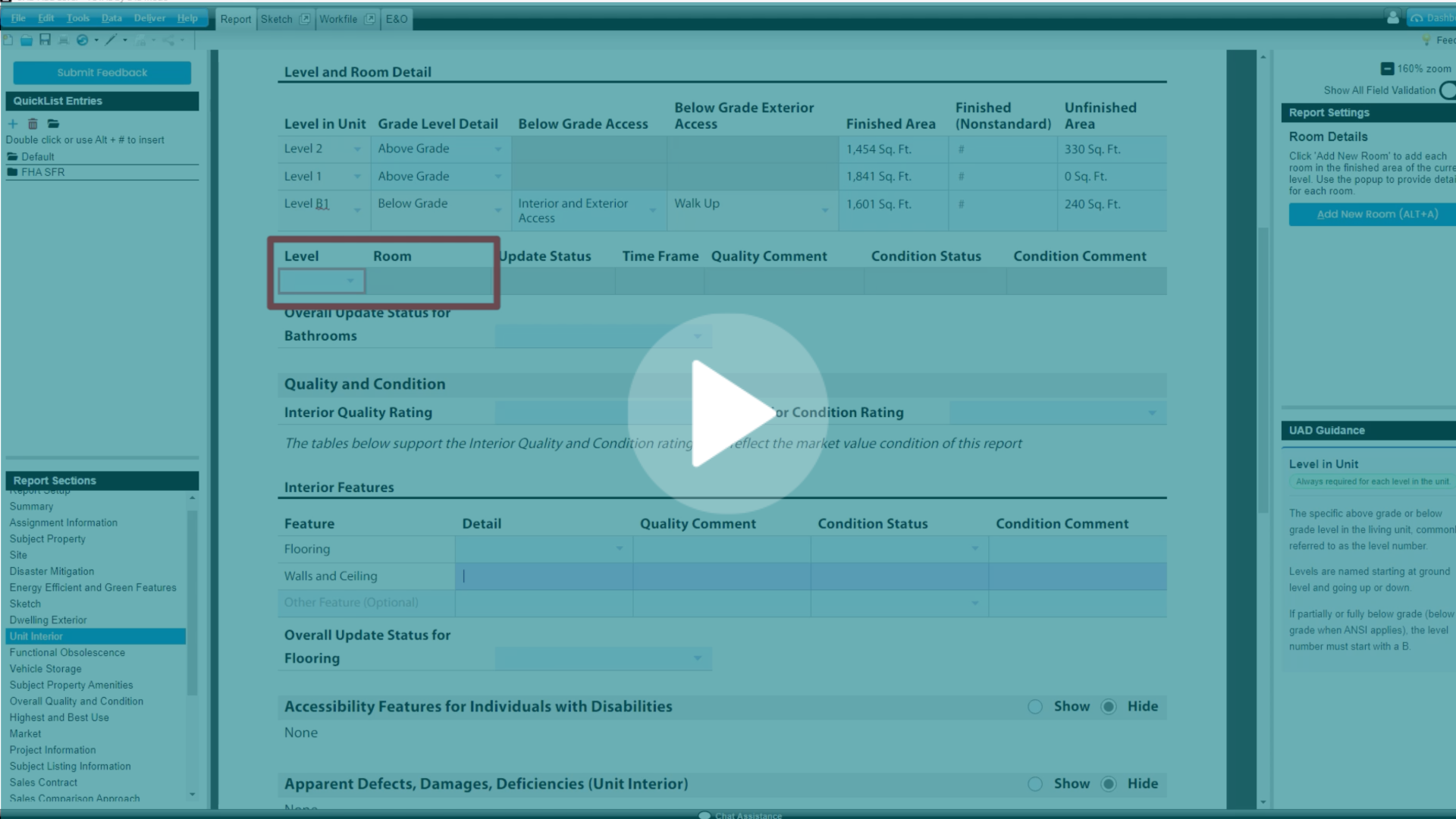
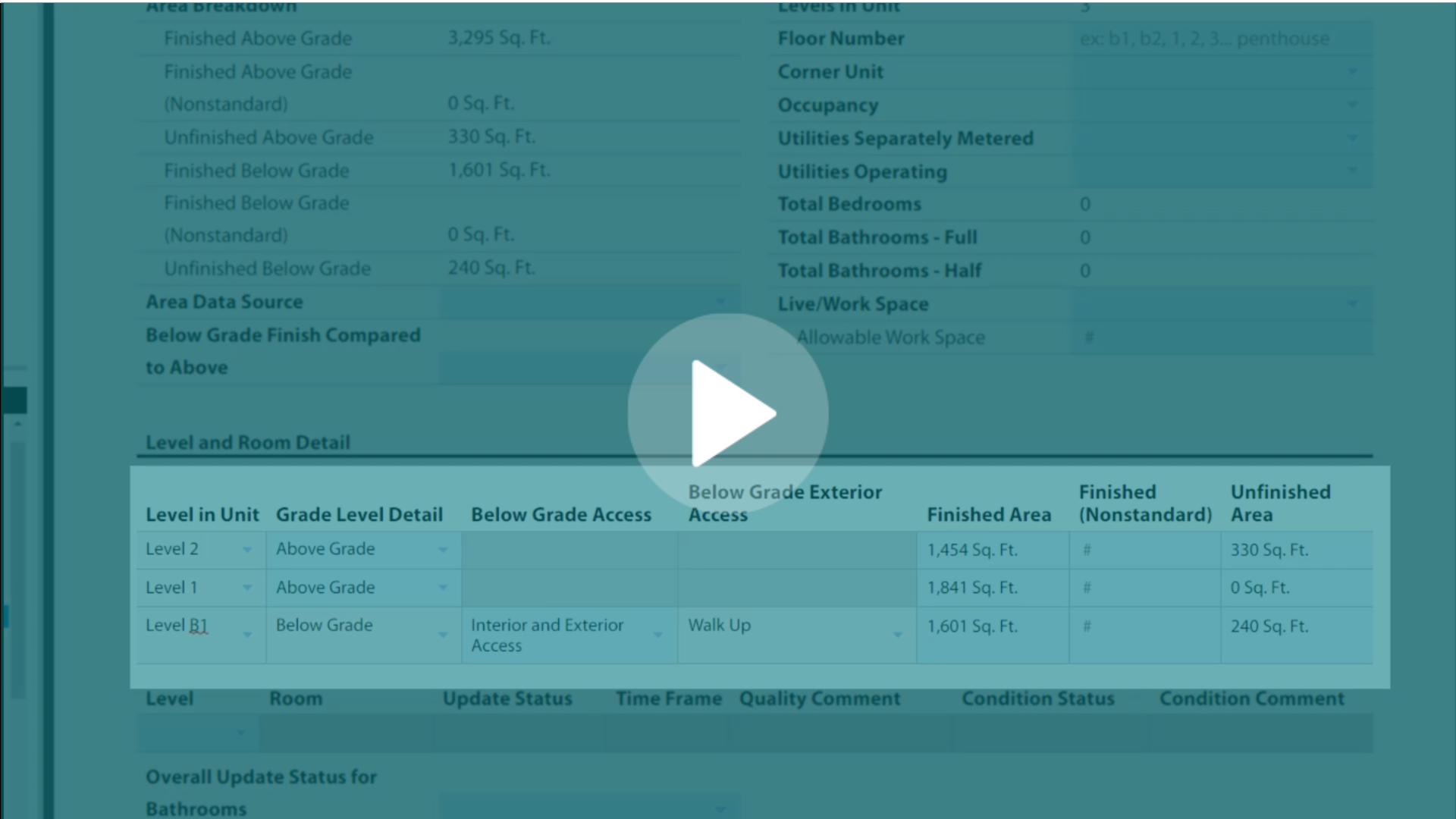
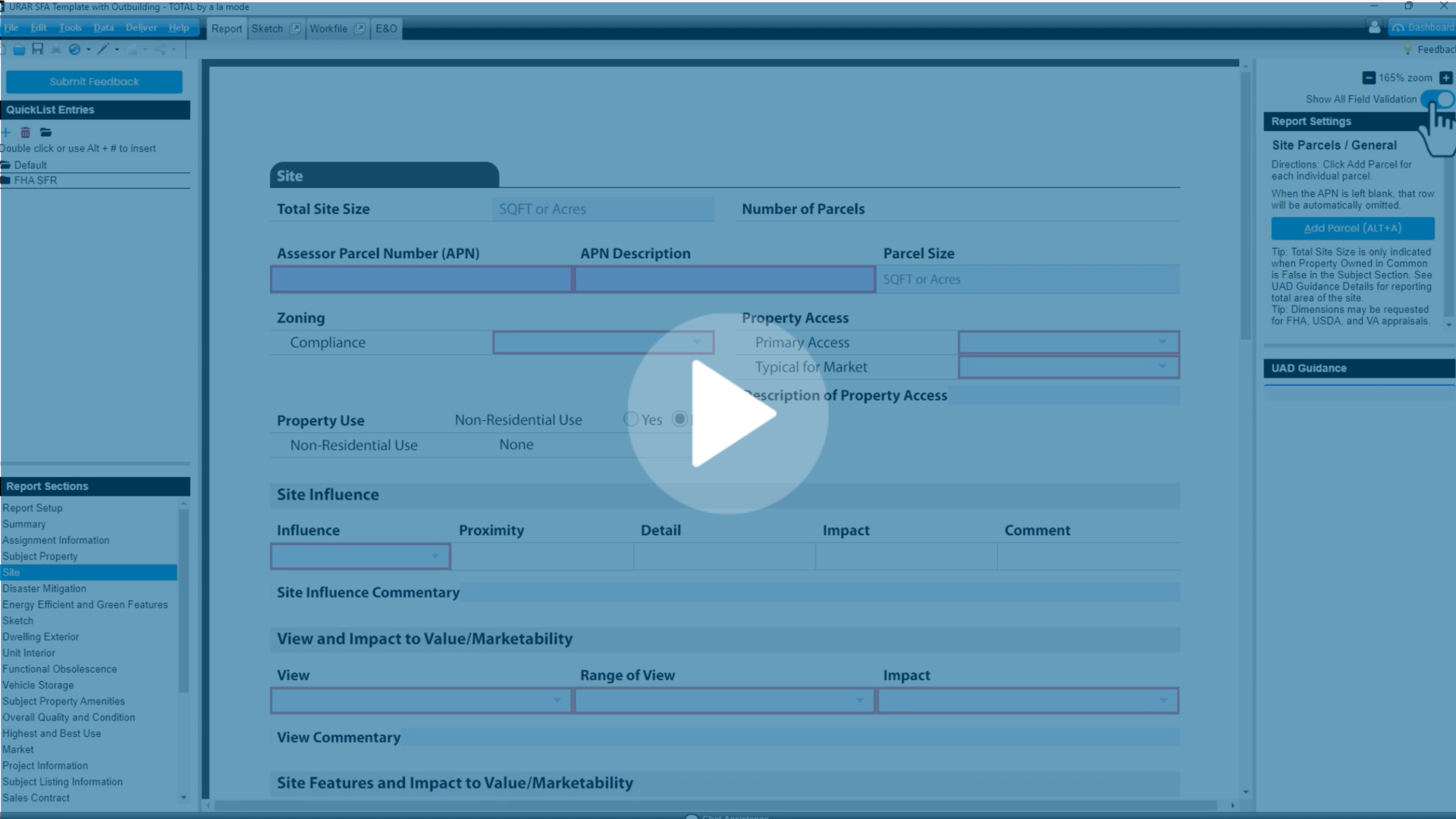
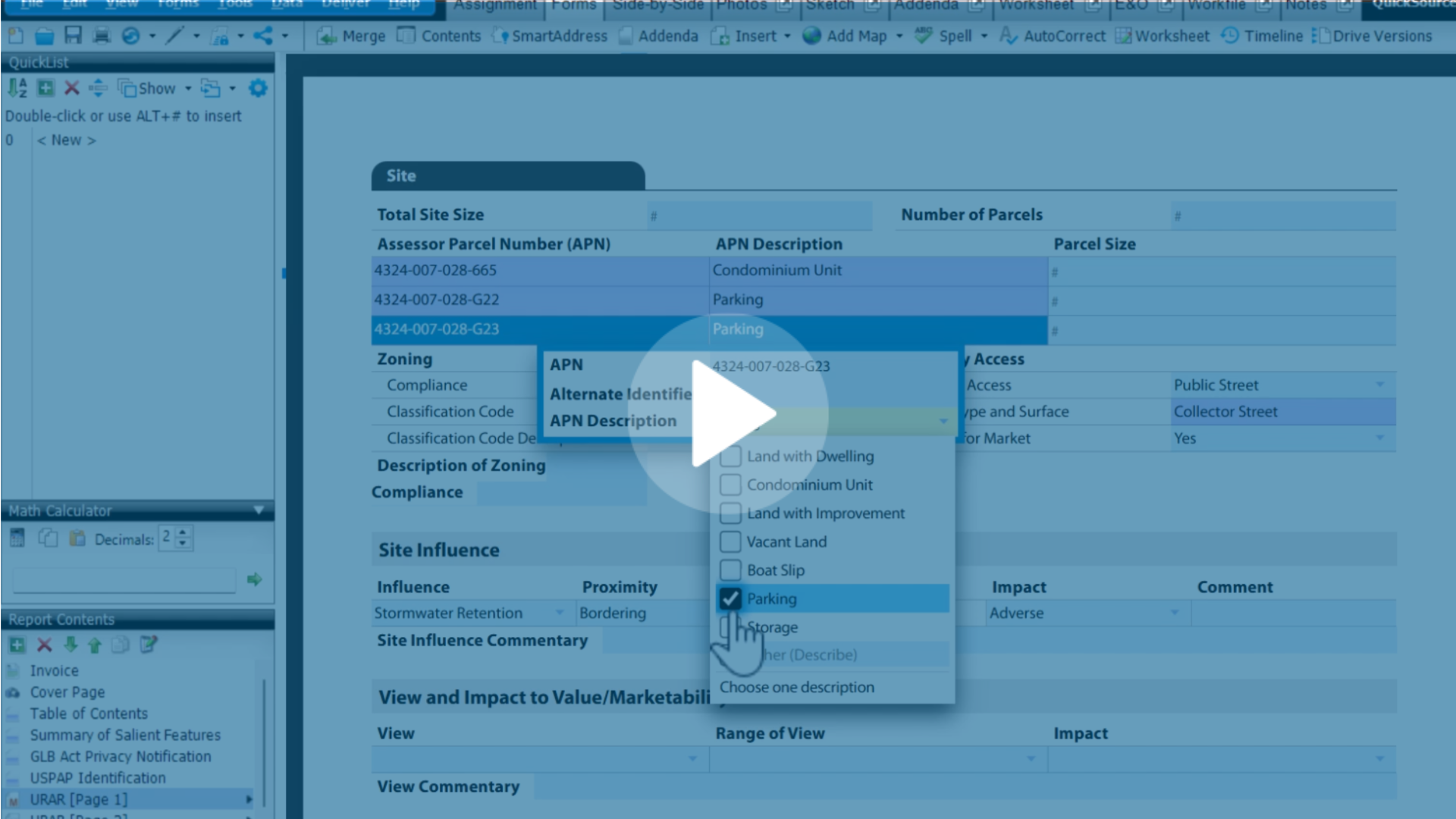
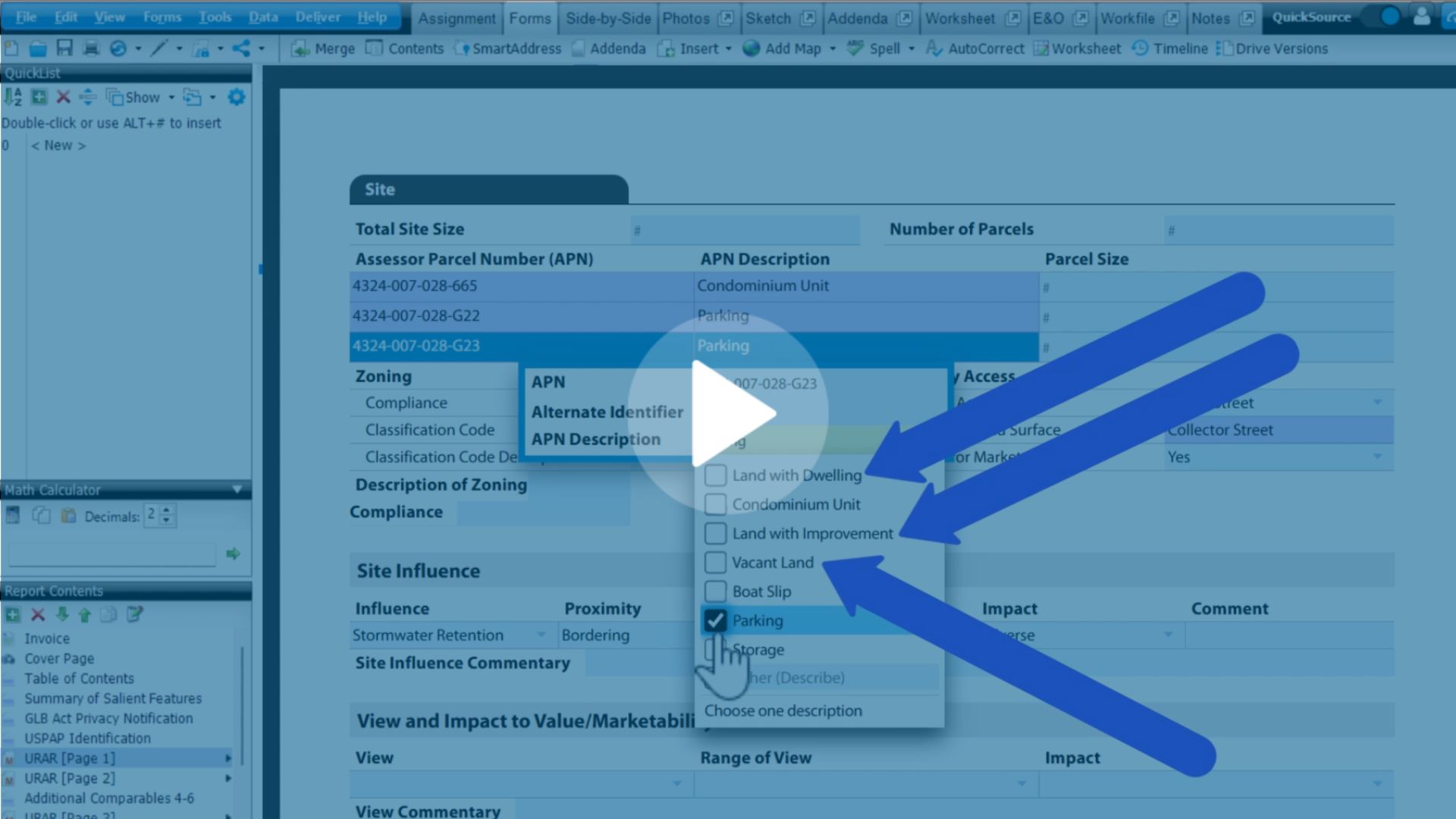
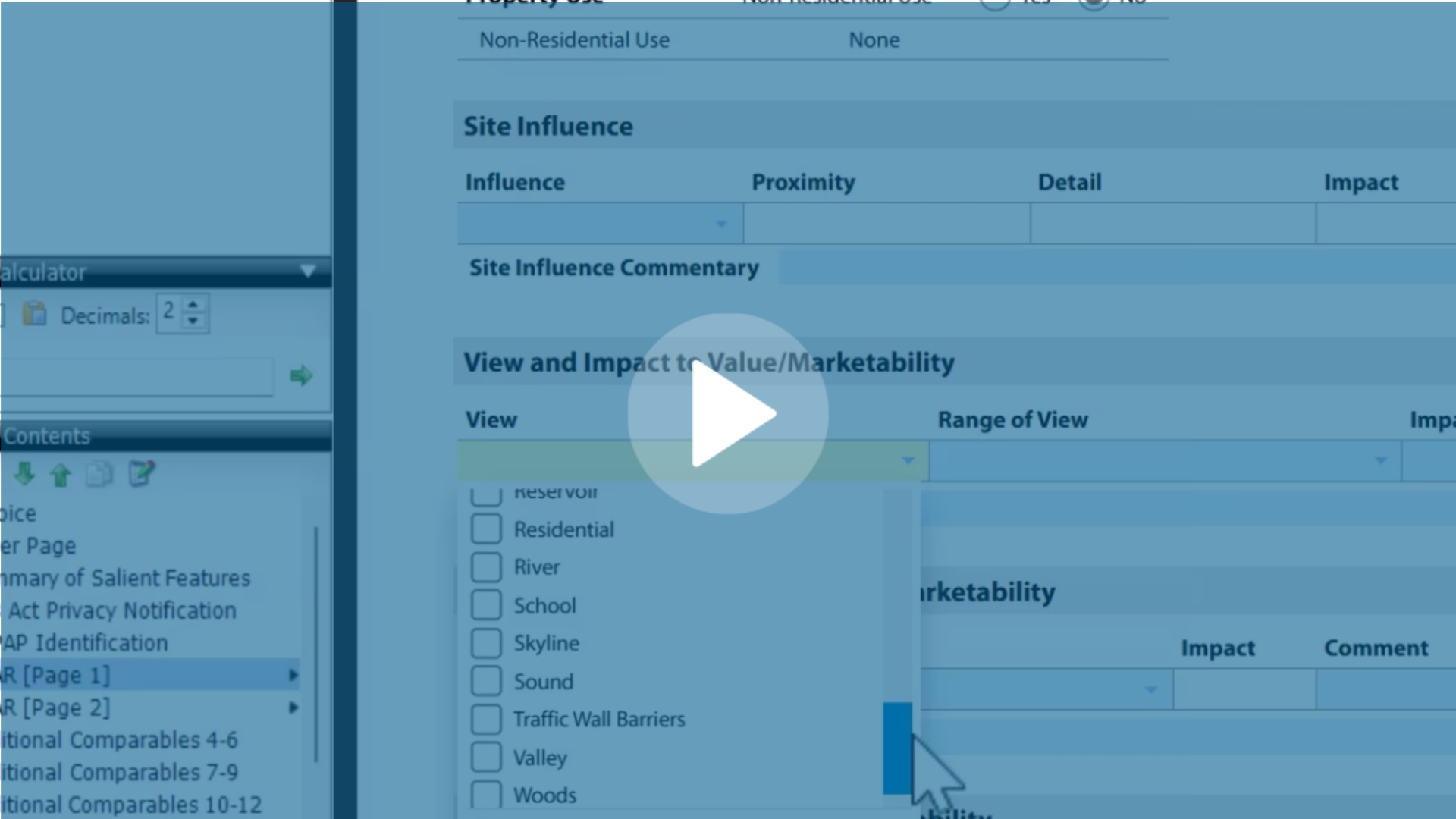
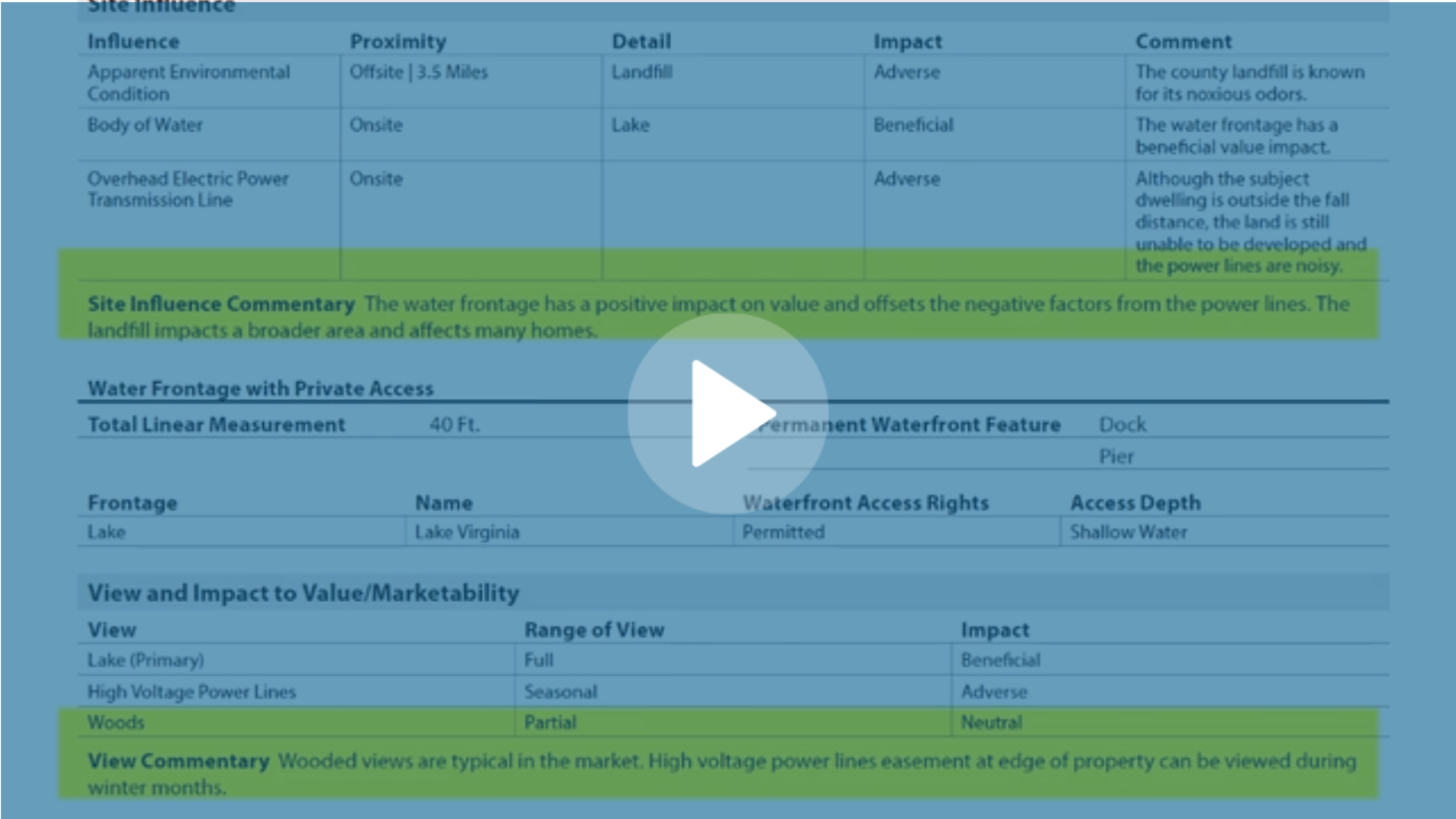
Want to see QuickSource UAD 3.6 in action? Check out this video:
Related docs:
Quicksource User Guide
UAD 3.6 QuickSource - MLS verification status
UAD 3.6 QuickSource - Import and review data
Don't see the QuickSource UAD 3.6 Beta in your TOTAL report? Make sure these two things are true before seeking assistance:
1. Go to Help>Check For Updates to make sure you are on the most recent version of TOTAL
2. Make sure you're in a UAD 3.6 report, as this newer version of the QuickSource is not available in non 3.6 environments
3. Make sure you have QuickSource added to your account on myaccount.alamode.com
Want to know more about UAD 3.6?
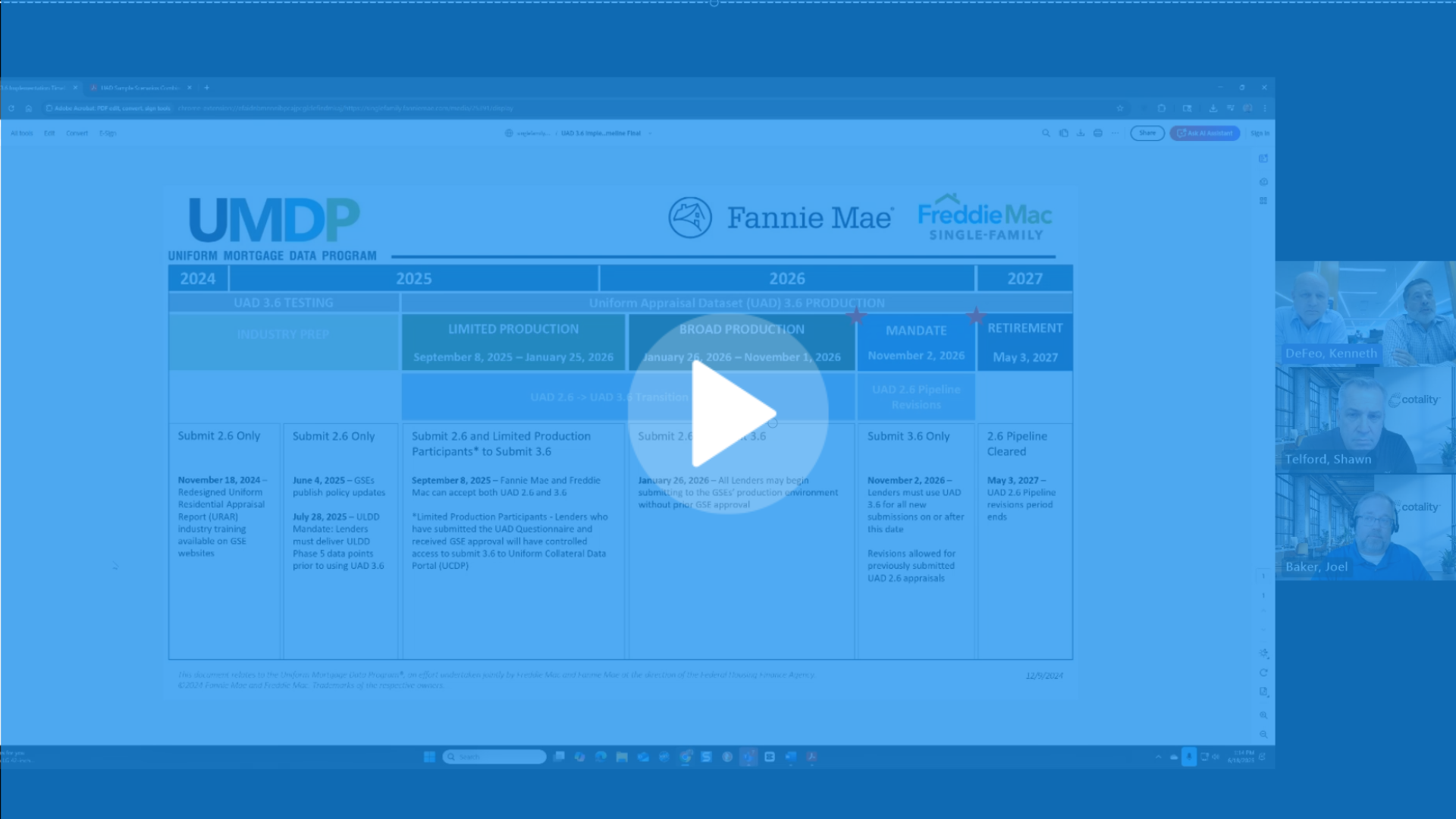
Check out our resource hub and timeline.